A2 Hosting vs Hostinger 2026: Speed, Pricing & Features Compared
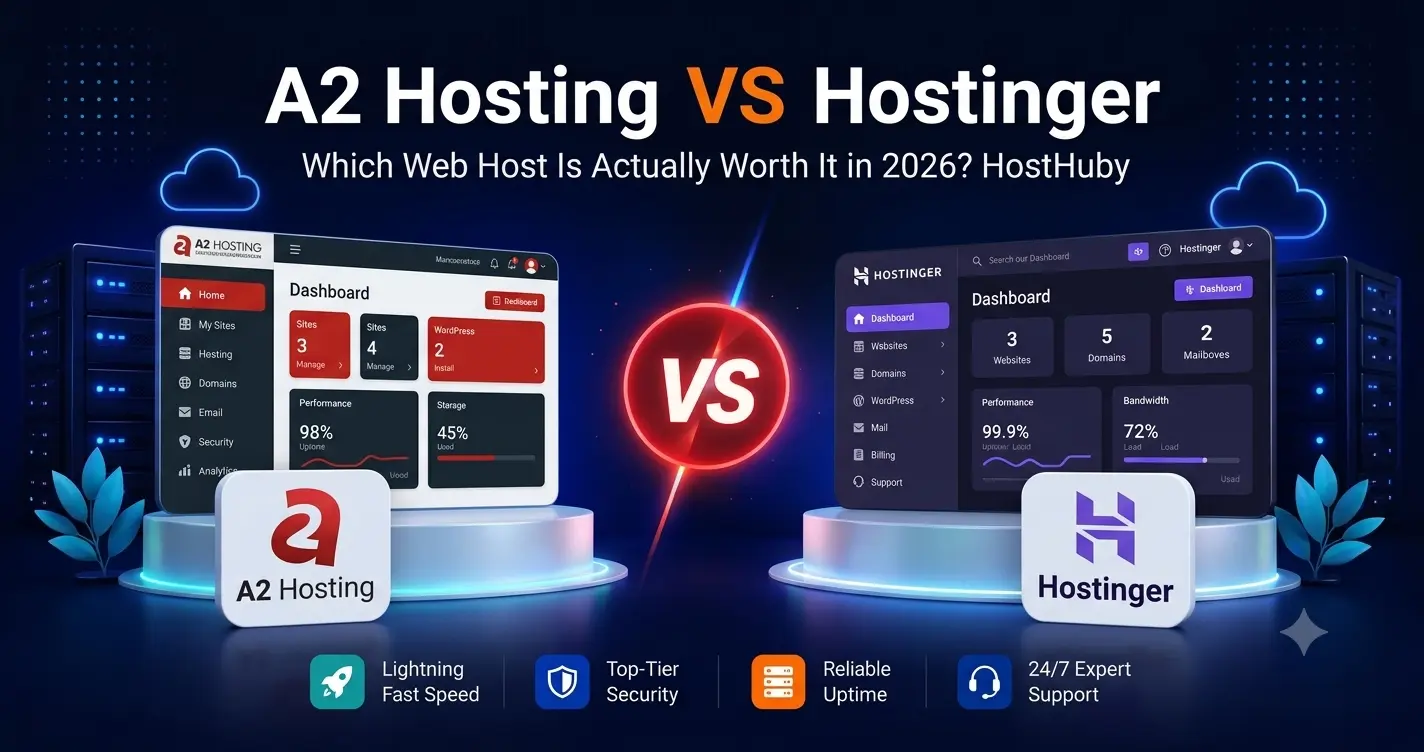
A2 Hosting vs Hostinger is a practical comparison for users who want fast, affordable web hosting without moving into premium managed hosting. The comparison has changed significantly in 2026 because A2 Hosting has been rebranded as Hosting.com and its plan structure has been updated.
Hostinger continues to focus on low introductory pricing, a simple hPanel dashboard, LiteSpeed-powered hosting, global data centers, AI tools, and beginner-friendly website management. Hosting.com now combines the former A2 Hosting infrastructure with revised shared-hosting plans that include LiteSpeed, NVMe storage, AMD EPYC processors, security tools, and transparent resource limits across the lineup.
This A2 Hosting vs Hostinger comparison looks at the areas that matter most in 2026: pricing, speed, storage, control panels, backups, support, WordPress features, and which platform is better suited to different types of websites.
A2 Hosting vs Hostinger: Quick Comparison
Pricing checked in September 2026. A2 Hosting now operates under the Hosting.com brand. Hosting promotions and renewal rates can change, so verify the provider’s official pricing page before purchase.
| Feature | A2 Hosting / Hosting.com | Hostinger |
|---|---|---|
| Entry plan | Starter | Single or Premium, depending on market |
| Current starting price | $3.99/mo on the current Starter annual offer | Low introductory pricing; exact US price varies by offer |
| Websites | 1 on Starter | 1 on Single; 3 on Premium |
| Storage | 15 GB NVMe on Starter | 10 GB SSD on Single; 20 GB SSD on Premium |
| Web server | LiteSpeed on current plans | LiteSpeed hosting platform |
| Control panel | Traditional hosting interface / cPanel-based workflows | Hostinger hPanel |
| Free domain | Depends on current plan and offer | Included on eligible plans; Premium includes 1 year |
| Backups | Plan-dependent backup features | Weekly on lower plans; daily on higher tiers |
| Support | 24/7/365 in-house support | 24/7 expert support, primarily online |
| Best fit | Users who want cPanel-style hosting, NVMe storage, and transparent resources | Beginners and small businesses prioritizing price, simplicity, and global reach |
A2 Hosting Is Now Hosting.com
A2 Hosting has been rebranded as Hosting.com. The change is more than a name update: the company has also revised its shared-hosting plans and infrastructure. The current Hosting.com comparison page states that LiteSpeed performance, NVMe SSD storage, AMD EPYC CPUs, security tooling, and transparent resource limits are now available across the new plan lineup.
This matters because older A2 Hosting reviews often describe LiteSpeed as a feature limited to Turbo plans. That is no longer an accurate way to describe the current Hosting.com lineup in 2026.
Pricing: A2 Hosting vs Hostinger
Hostinger still competes aggressively on introductory pricing, especially on long-term plans. Its lower-tier plans are designed for beginners and small businesses that want an inexpensive way to get online with hosting, domain, email, SSL, WordPress, and site-building tools bundled together.
Hosting.com’s current Starter plan is listed at $3.99 per month on a one-year term. The plan includes one website and 15 GB of NVMe storage. The Plus, Pro, and Max tiers increase site limits and storage, with Pro starting at $6.99 per month and Max at $8.99 per month on current introductory offers.
The best value therefore depends on what you need. Hostinger may be more attractive for users who prioritize the lowest first-term cost and an integrated beginner-friendly platform. Hosting.com is more appealing if transparent resource limits, NVMe storage, and a traditional hosting workflow matter more to you.
Performance and Speed
Performance is one of the main reasons users compare A2 Hosting vs Hostinger. Both now use LiteSpeed-based hosting and modern storage technologies, so the old comparison of “A2 Turbo speed versus Hostinger budget speed” is outdated.
Hosting.com Performance
Hosting.com now advertises LiteSpeed performance, NVMe SSD storage, AMD EPYC processors, global data centers, and security tools across its new plans. The company also publishes clearer limits for RAM, vCPU, IOPS, websites, and storage, which can make resource planning easier.
Hostinger Performance
Hostinger uses LiteSpeed technology across its managed web-hosting platform and combines it with caching, CDN features, global data centers, and progressively stronger resources on higher plans. The current Unlimited tier includes NVMe storage, while lower tiers use SSD storage.
There is no reliable universal answer to which host is always faster. Real-world speed depends on the theme, plugins, caching configuration, server location, traffic pattern, and plan resources. The key change in 2026 is that both platforms now provide modern performance technology throughout much more of their plan lineup.
Storage and Resource Limits
Hosting.com has moved away from the older A2 Hosting model that advertised very large or unlimited storage on some plans. The new plans publish clear NVMe storage limits: 15 GB on Starter, 30 GB on Plus, 50 GB on Pro, and 100 GB on Max.
Hostinger currently offers 10 GB SSD on Single, 20 GB SSD on Premium, 50 GB NVMe on Unlimited, and 100 GB NVMe on Cloud Startup in several markets. The exact plan names and prices can vary by country, but the progression is similar: higher tiers add faster storage and more resources.
Ease of Use: cPanel vs hPanel
Control-panel preference remains one of the biggest practical differences in the A2 Hosting vs Hostinger decision.
Hosting.com keeps a more traditional hosting experience that will feel familiar to users accustomed to cPanel-style management. That can be useful for website owners moving from another conventional web host or following general hosting tutorials.
Hostinger uses its own hPanel dashboard. It is designed to simplify WordPress installation, domains, email, backups, security, and website management for less technical users.
If this difference matters to you, see our separate cPanel vs hPanel comparison.
WordPress Hosting Features
Both platforms support WordPress well. Hosting.com includes modern performance infrastructure, WordPress installation tools, security features, and developer-friendly hosting controls.
Hostinger combines WordPress hosting with LiteSpeed, AI tools, site migration, free SSL, email allowances, backups, and an integrated website builder. Hostinger is also currently listed on WordPress.org’s official hosting recommendation page.
For a basic WordPress business site, blog, or portfolio, either provider can work. The decision comes down more to dashboard preference, price, storage, support style, and the exact resources included with the plan.
Backups and Security
Hosting.com advertises advanced security with a web application firewall, malware protection, and brute-force protection across its current plans. Backup features still depend on the exact hosting tier and account configuration.
Hostinger includes free weekly backups on lower plans and daily backups on higher tiers. It also includes SSL, CDN, malware scanning, and managed security features across its web-hosting platform.
For any business website, verify backup frequency, restore access, retention period, and whether critical data should also be backed up independently.
Customer Support
Hosting.com promotes 24/7/365 support from in-house experts. This is attractive to users who prefer a more traditional hosting-support model and want help with server, account, or website issues.
Hostinger provides 24/7 expert support primarily through online channels. The platform is designed around self-service tools and live support rather than a phone-first experience.
A2 Hosting vs Hostinger for Different Users
For Beginners
Hostinger is easier to recommend to first-time website owners because hPanel, WordPress installation, domains, email, AI tools, and site-building features are tightly integrated into one dashboard.
For Users Who Prefer Traditional Hosting
Hosting.com may be a better fit for users who prefer a more conventional hosting environment, clearer resource limits, and a cPanel-style workflow.
For Small Businesses
Hostinger offers a low-cost path for small businesses that want an all-in-one platform. Hosting.com may be attractive to businesses that want clearer server resources and a more traditional hosting setup.
For Performance-Focused Users
Both are now more competitive than older comparisons suggest. Hosting.com offers LiteSpeed and NVMe across the new plan lineup, while Hostinger includes LiteSpeed across its platform and moves to NVMe on higher tiers.
A2 Hosting / Hosting.com Pros and Cons
| Pros | Cons |
|---|---|
| LiteSpeed across the new plan lineup | A2 Hosting branding can still create confusion during the transition |
| NVMe storage on all current plans | Entry plan storage is lower than the old A2 Startup plan |
| Transparent RAM, vCPU, and IOPS limits | Introductory prices increase after the initial term |
| Traditional hosting workflow | Fewer integrated AI and site-building tools than Hostinger |
| 24/7/365 in-house support | Plan structure has changed significantly from older reviews |
Hostinger Pros and Cons
| Pros | Cons |
|---|---|
| Low introductory pricing | Lowest rates require long-term commitments |
| Simple hPanel dashboard | Renewal rates are higher than promotional pricing |
| LiteSpeed hosting platform | Lower tiers use SSD rather than NVMe storage |
| Integrated WordPress, AI, domain, email, and site tools | Support is primarily online |
| Global data centers and strong beginner experience | Some advanced features require higher-tier plans |
A2 Hosting vs Hostinger: Key Differences
Brand: A2 Hosting is now Hosting.com, and the plan lineup has changed.
Performance technology: Both now use LiteSpeed widely. Hosting.com also advertises NVMe storage on all current plans.
Dashboard: Hosting.com follows a more traditional hosting workflow, while Hostinger uses its proprietary hPanel interface.
Entry pricing: Hostinger usually competes more aggressively on long-term introductory offers. Hosting.com currently lists Starter from $3.99 per month on a one-year term.
Integrated tools: Hostinger bundles more AI, website-building, email, and beginner-focused tools into one platform.
Related HostHuby Comparisons
For more budget-hosting comparisons, see our Bluehost vs Hostinger 2026 guide and our DreamHost vs A2 Hosting comparison. You can also browse our Best Web Hosting Comparisons guide.
Frequently Asked Questions
Did A2 Hosting change its name?
Yes. A2 Hosting is now operating under the Hosting.com brand. The company has also updated its shared-hosting plans and infrastructure.
Does A2 Hosting still limit LiteSpeed to Turbo plans?
No. Hosting.com’s current plan comparison states that LiteSpeed performance is now available across the new lineup, along with NVMe storage and AMD EPYC processors.
Which is cheaper, A2 Hosting or Hostinger?
Hostinger often has the lower headline introductory price on long-term plans. Hosting.com’s Starter plan is currently listed at $3.99 per month on a one-year introductory term. Always compare renewal pricing and total contract cost.
Which is easier for beginners?
Hostinger is generally easier for first-time users because hPanel, WordPress, domains, email, AI tools, and site-building features are integrated into a simplified dashboard.
Which offers more transparent resources?
Hosting.com now publishes clearer plan-level limits for storage, RAM, vCPU, IOPS, and website count. That can be useful for technical users who want to understand exactly what resources they are buying.
Final Comparison
The A2 Hosting vs Hostinger comparison looks very different in 2026 than it did a few years ago. A2 Hosting’s rebrand to Hosting.com brought a new plan lineup, LiteSpeed across all current plans, NVMe storage, and clearer resource limits.
Hostinger remains attractive for beginners, creators, and small businesses that want low introductory pricing and an integrated platform with hPanel, WordPress, email, AI tools, and site-building features.
Hosting.com is a strong option for users who prefer a more traditional hosting environment, transparent resources, NVMe storage, and an infrastructure-focused approach.
Before purchasing either service, verify the current plan and renewal rate. The better choice depends on your preferred dashboard, storage needs, support expectations, and whether you value an all-in-one beginner platform or a more traditional hosting setup.