
SiteGround vs Bluehost 2026: Pricing, Performance & WordPress Features
SiteGround vs Bluehost is a classic WordPress hosting comparison, but the details have changed substantially in 2026. Both providers now bundle more performance, security, migration, and WordPress tools than they did a few years ago, and several older comparisons still repeat outdated claims about pricing, backups, CDN access, staging, and WordPress.org recommendations.

SiteGround focuses on managed WordPress hosting with Google Cloud infrastructure, built-in caching, daily backups, CDN, strong security tools, and 24/7 human support. Bluehost has expanded its current WordPress platform with NVMe storage, free CDN, weekly backups, staging, global data centers, AI site-creation tools, and clearer traffic guidance on its entry plans.
This 2026 SiteGround vs Bluehost comparison examines current pricing, renewal rates, performance tools, WordPress features, backups, support, ease of use, and which type of website each platform is best suited to.
SiteGround vs Bluehost: Quick Comparison
Pricing checked in September 2026. Promotions change frequently, so always verify the official checkout page before purchasing.
| Feature | SiteGround | Bluehost |
|---|---|---|
| Entry plan | StartUp | Starter |
| Intro price | $2.99/mo | $3.99/mo on the current 36-month offer |
| Renewal | $17.99/mo | $9.99/mo on the current 36-month renewal schedule |
| Websites | 1 | Up to 10 |
| Storage | 10 GB premium Google storage | 10 GB NVMe SSD |
| Traffic guidance | About 10,000 visits/mo as a reference, not a hard cap | Ideal for about 40,000 visits/mo on Starter |
| Free domain | Currently included during the promotional campaign | Free for the first year |
| CDN | Included | Included |
| Backups | Daily backups | Weekly backups on Starter |
| Staging | Available on higher tiers such as GrowBig and GoGeek | Included on current Starter WordPress hosting |
| Support | 24/7 human support | 24/7 chat on Starter; phone on eligible higher plans |
| WordPress.org recommendation | Not currently listed | Currently listed |
Pricing: SiteGround vs Bluehost
SiteGround has the lower current introductory price, but Bluehost has the lower published renewal rate on its entry plan. SiteGround StartUp is currently $2.99 per month and renews at $17.99 per month. Bluehost Starter is currently $3.99 per month on a 36-month term and renews at $9.99 per month on that term.
That difference matters over multiple years. SiteGround’s first-term pricing is very aggressive, but its annual renewal is significantly higher. Bluehost starts slightly higher but currently offers a much lower renewal rate on the comparable entry tier.
Pricing should still be evaluated alongside included features. SiteGround includes daily backups and its managed performance stack. Bluehost Starter now includes CDN, weekly backups, staging, a free domain for the first year, global data centers, AI creation tools, and managed WordPress updates.
Performance and Hosting Technology
SiteGround and Bluehost now both offer modern WordPress hosting stacks, but they approach performance differently.
SiteGround Performance
SiteGround runs its WordPress hosting on Google Cloud infrastructure and combines it with built-in caching, CDN services, managed WordPress updates, and performance tools designed to reduce server response time and improve page delivery.
The StartUp plan includes 10 GB of premium Google storage and is positioned for roughly 10,000 monthly visits as a reference point. SiteGround explicitly states that this visit number is guidance rather than a strict traffic restriction.
Bluehost Performance
Bluehost’s current Starter WordPress plan includes 10 GB of NVMe SSD storage, free CDN, static content caching, global data centers, and a published 99.99% uptime SLA. Bluehost positions Starter as suitable for around 40,000 visits per month.
Older reviews often describe Bluehost as a more basic shared host without CDN or staging on entry plans. That is no longer accurate for the current 2026 WordPress lineup.
It is best to avoid universal claims that one provider is always faster. Performance depends on the theme, plugins, caching settings, media optimization, geography, and real resource usage. Both can perform well when configured properly.
WordPress Features
Bluehost is currently listed on WordPress.org’s official hosting recommendation page. SiteGround is not currently listed there, although it remains a major managed WordPress hosting provider.
Bluehost Starter includes managed WordPress updates, a staging site, SSH and WP-CLI access, CDN, caching, malware scanning, a web application firewall, DDoS protection, and a free migration tool.
SiteGround includes one-click WordPress setup, free migration, managed updates, CDN, caching, daily backups, security tools, and 24/7 support. Advanced staging and additional developer features become more prominent on GrowBig and GoGeek.
Backups and Security
SiteGround includes daily backups across its current WordPress plans. This is useful for business websites, stores, and frequently updated content sites where losing a full week of changes would be costly.
Bluehost Starter currently includes weekly website backups plus malware scanning, malware detection and removal, a web application firewall, DDoS protection, SSL, and CDN. Higher Bluehost tiers add stronger backup and security features.
For critical websites, backup frequency should be treated as an operational requirement, not just a checklist item. Daily backups are generally preferable for stores, membership sites, active blogs, and frequently changing business sites.
Ease of Use
Bluehost remains one of the more beginner-focused hosting platforms. Its onboarding emphasizes guided WordPress setup, AI site tools, domain configuration, and a simplified account dashboard.
SiteGround uses its Site Tools interface rather than cPanel. The dashboard is clean and modern, with strong access to caching, security, domains, email, backups, and WordPress management.
Absolute beginners may find Bluehost’s onboarding more familiar and guided. SiteGround’s interface is still approachable, but it exposes more hosting controls and managed tools from the start.
Customer Support
SiteGround promotes 24/7 real human support as a core part of its WordPress hosting. Support is integrated with its broader managed hosting environment.
Bluehost Starter includes 24/7 chat support but does not include phone support on that entry tier. Phone support is included on selected higher plans such as Business.
This is another area where older comparisons may be inaccurate. Bluehost still offers phone support, but it is not included on every current plan.
SiteGround vs Bluehost for Different Users
For First-Time Website Owners
Bluehost is attractive for first-time users because it combines guided setup, AI site tools, a free domain for the first year, WordPress staging, CDN, and migration tools in one platform.
For Bloggers and Content Sites
Both platforms can work well. SiteGround’s daily backups and managed caching are useful for frequently updated sites. Bluehost’s current Starter plan allows more websites and publishes higher traffic guidance on the entry tier.
For Small Businesses
SiteGround suits businesses that value daily backups, managed infrastructure, and strong support. Bluehost suits businesses that prioritize lower renewal pricing, bundled domain benefits, and a simplified WordPress workflow.
For WooCommerce
For stores, compare higher-tier plans rather than relying only on the entry plan. Daily backups, resource limits, object caching, staging, security, support, and traffic capacity matter more for ecommerce than the introductory price alone.
SiteGround Pros and Cons
| Pros | Cons |
|---|---|
| Low introductory price | High renewal price on StartUp |
| Daily backups | Only 1 website on StartUp |
| Managed caching, CDN, and security | Staging requires a higher tier |
| 24/7 human support | Not currently listed on WordPress.org’s hosting page |
| Google Cloud infrastructure | Lower traffic guidance on the entry tier |
Bluehost Pros and Cons
| Pros | Cons |
|---|---|
| Currently recommended by WordPress.org | Weekly rather than daily backups on Starter |
| Up to 10 websites on Starter | Phone support not included on Starter |
| NVMe storage, CDN, staging, and AI tools included | Some stronger features require higher tiers |
| Lower current renewal price than SiteGround StartUp | Entry plan still has defined resource guidance |
| Free domain for the first year | Pricing varies by contract length |
SiteGround vs Bluehost: Key Differences
Renewal pricing: SiteGround StartUp renews at a significantly higher monthly rate than Bluehost Starter on the current 36-month schedule.
Backups: SiteGround includes daily backups. Bluehost Starter includes weekly backups.
Website count: SiteGround StartUp supports one website. Bluehost Starter supports up to ten.
WordPress.org: Bluehost is currently listed on the official WordPress.org hosting page. SiteGround is not.
Staging: Bluehost currently includes staging on Starter. SiteGround reserves staging for higher tiers such as GrowBig and GoGeek.
Related HostHuby Comparisons
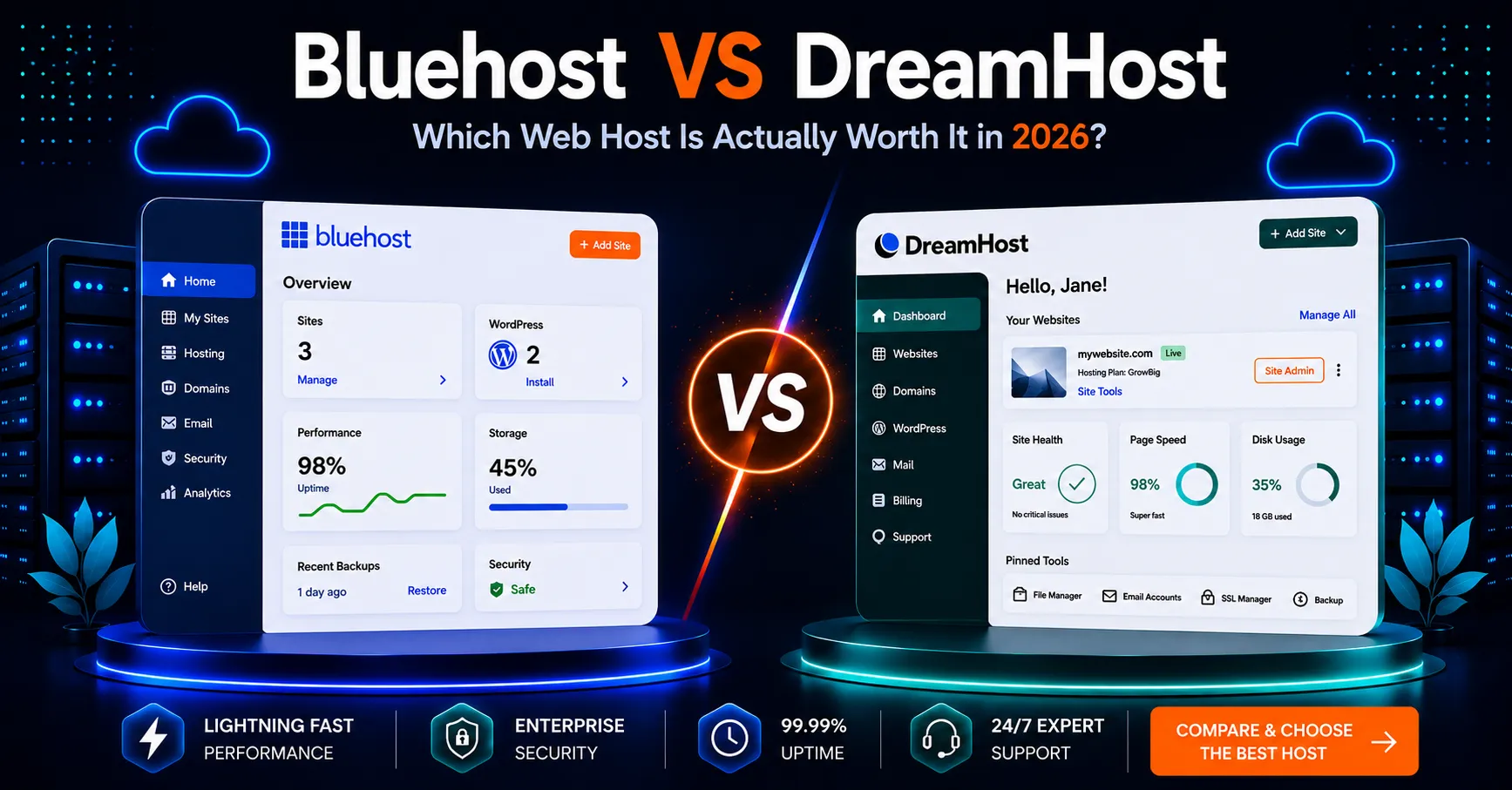
If you are still comparing beginner-friendly hosts, read our Bluehost vs DreamHost comparison and our SiteGround vs DreamHost 2026 guide. You can also see our Bluehost Review 2026 and SiteGround Review 2026.
Frequently Asked Questions
Is SiteGround or Bluehost cheaper in 2026?
SiteGround currently has the lower introductory monthly rate, while Bluehost Starter has the lower published renewal rate on its current 36-month pricing schedule. Compare the full contract cost, not just the first-term price.
Is Bluehost still recommended by WordPress.org?
Yes. Bluehost is currently listed on WordPress.org’s official hosting recommendation page. SiteGround is not currently listed there.
Does Bluehost include a CDN and staging?
Yes. Bluehost’s current Starter WordPress plan includes free CDN and a staging site, along with NVMe storage, caching, and managed WordPress features.
Which host has better backups?
SiteGround has the stronger entry-plan backup schedule because it includes daily backups. Bluehost Starter currently includes weekly backups.
Which is better for beginners?
Bluehost is especially beginner-friendly because of its guided onboarding, AI tools, included domain, and simplified WordPress workflow. SiteGround is also easy to use but exposes more managed hosting controls.
Final Comparison
The SiteGround vs Bluehost comparison is much closer in 2026 than older reviews suggest. Bluehost’s entry plan now includes features that were previously associated with higher tiers, including CDN, staging, NVMe storage, AI site-building tools, and stronger security features.
SiteGround remains a strong managed WordPress option for users who value daily backups, Google Cloud infrastructure, caching, and 24/7 human support, but its renewal pricing is substantially higher.
Bluehost is particularly attractive for beginners and small businesses that want more websites, lower renewal pricing, a free domain for the first year, and a broad set of WordPress tools on the entry plan.
Before purchasing either service, check the current official plan details. Promotions and included features can change, and the right choice depends on your website count, backup needs, support preferences, and long-term budget.