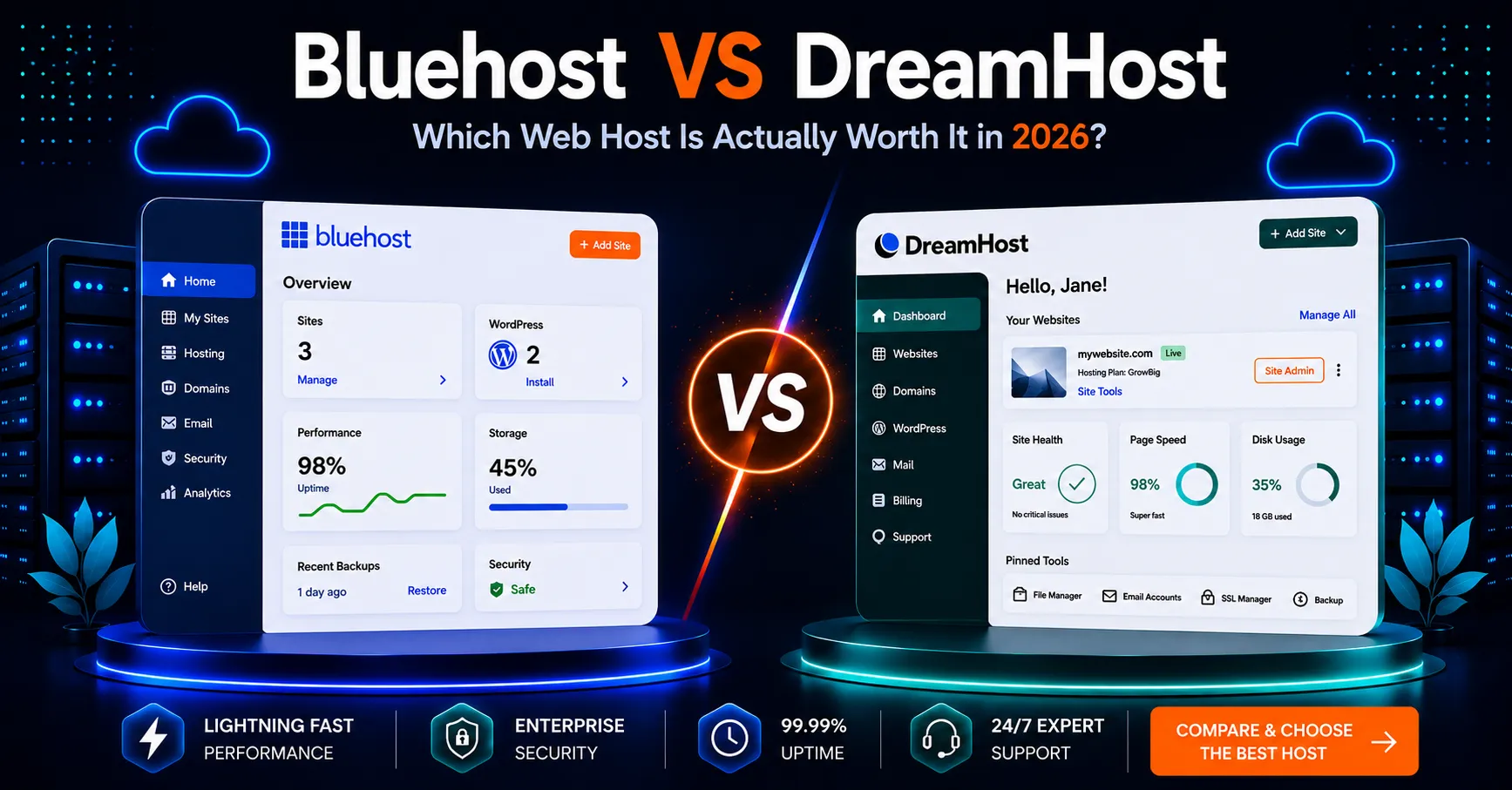

Choosing between Bluehost vs InMotion Hosting comes down to more than finding the lowest advertised price. A small business website needs enough space for its content, a manageable setup, and a clear budget after the introductory term ends. Email, migration help, and access to support can also affect the value you receive.
Both providers deserve a place on your shortlist, but their entry-level packages make different trade-offs. One may suit a WordPress launch with several lightweight sites, while the other may appeal to a business that needs more storage for a smaller number of websites.
This Bluehost vs InMotion Hosting guide compares published plan details, explains the difference between monthly equivalents and subscription costs, and helps you choose according to your project. Instead of declaring a universal winner, we’ll focus on the requirements that matter when your website represents a real business.
Affiliate disclosure:
HostHuby may earn a commission when you purchase through
an affiliate link, at no additional cost to you.
Research date: October 7, 2026.
This comparison uses published provider information,
not independent speed or support tests.
Bluehost vs InMotion Hosting: Quick Verdict
Consider Bluehost for a WordPress Launch
Bluehost Starter lists WordPress setup tools, staging, managed updates, and support for ten websites. It suits a shortlist where WordPress workflow matters more than a large storage allowance. Check whether its 10 GB allocation covers your planned content.
View Bluehost Offer ↗Consider InMotion for Storage and Email
InMotion Launch lists two websites, 100 GB NVMe storage, and cPanel email. It deserves consideration when a small number of websites need a larger content allowance. Its annual-term refund window also gives you more time to assess the service.
Check InMotion Plans ↗These recommendations interpret the listed features; they aren’t benchmark results. For a fair decision, compare the exact packages you intend to buy rather than treating either brand’s full product range as one plan.
Entry-Level Plans Compared
| Feature | Bluehost Starter | InMotion Launch |
|---|---|---|
| Introductory rate sampled | $3.99/month equivalent | $4.79/month equivalent |
| Term for that rate | 36 months | 12 months |
| Base initial-term calculation | $143.64 for 36 months | $57.48 for 12 months |
| Published renewal for sampled term | $9.99/month equivalent | $14.99/month equivalent |
| Website allowance | 10 | 2 |
| NVMe storage | 10 GB | 100 GB |
| Email distinction | Professional email trial advertised | cPanel email included |
| Entry-plan support | 24/7 chat; phone not included | Chat and tickets; phone on higher tiers |
| Refund window | 30 days, exclusions apply | 90 days on annual/multi-year terms; exclusions apply |
The terms above differ. A lower monthly equivalent does not necessarily mean a smaller upfront commitment. Calculations exclude taxes, optional products, and domain charges. Confirm the eligible package and checkout total. Sources: Bluehost plan page , InMotion plan page , and InMotion’s term-specific comparison .
Pricing: Compare the Commitment, Not Just the Monthly Rate
Introductory Pricing and Term Length
The sampled Bluehost rate spreads the price across three years, while the sampled InMotion offer applies to one year. Those commitments answer different questions. A longer term may reduce the monthly equivalent, but it also ties your initial spending to a longer period.
If you’re testing a new business idea, consider how much you’re comfortable paying before the website starts bringing in leads. If your business already has a stable website, a longer commitment may be easier to budget. Request prices for matching durations before deciding which provider is cheaper for your situation.
Renewal Costs and Extras
Bluehost separately lists Starter renewal rates of $11.99/month for a 12-month term and $9.99/month for a 36-month term. This illustrates why you should match the renewal period to your actual subscription, rather than copying the lowest renewal figure into your budget.
Make a simple cost sheet covering hosting, domain renewal, email, and any tools you need. Then compare the initial term and the following term separately. See our guide to choosing a web hosting service for a broader decision framework.
WordPress Setup and Everyday Management
For many owners, the most valuable interface is the one they can use confidently. Before purchasing, look for a walkthrough of the dashboard and check how you’ll publish pages, manage a domain, and ask for help. A feature list doesn’t tell you whether the workflow fits your experience.
Starting a New Website
Outline your essential pages first: home, services, about, contact, and any relevant policies. Then identify the tools you actually need. A business brochure site usually has different requirements from a membership platform or a store with a large product catalog.
Our practical recommendation is to put Bluehost on your shortlist when the listed WordPress workflow matches your needs. Put InMotion on the shortlist when its storage and email bundle solve more of your day-to-day requirements. Neither approach replaces checking the exact plan.
Moving an Existing Website
Bluehost advertises a WordPress migration tool, while InMotion advertises team-handled site migration. Ask about eligibility and scope before relying on either option. Confirm how the move covers files, databases, domains, and email.
Keep an independent backup and test the destination before changing DNS. Follow our web hosting migration guide for the sequence of checks.
Storage, Email, and Room to Grow
The entry-level comparison gives you a useful trade-off: more listed websites on Bluehost Starter versus more listed storage on InMotion Launch. Don’t assume either allowance guarantees enough computing power for a busy store. Website counts and disk space describe only part of a hosting package.
Estimate your current files, future media uploads, and the number of projects you want to host. Compress images and avoid storing unnecessary archives on the server. For email, consider mailbox storage, backups, deliverability, and what happens if you later move your hosting.
A business with large image galleries should pay particular attention to storage. A consultant running several compact project sites may care more about website allowances. Choose according to those concrete needs rather than buying unused capacity.
Performance and Reliability: What This Comparison Can Establish
Both sampled plans advertise NVMe storage. That hardware description alone doesn’t establish which host will deliver faster pages for your website. Themes, plugins, caching, audience location, and workload can change the outcome.
We haven’t run matching test sites on these packages, so this article does not award a speed winner. During your evaluation period, test a representative page from locations near your customers. Look at repeat measurements and errors, not one unusually fast screenshot.
Also distinguish an uptime promise from measured availability. Read the applicable service terms, exclusions, and credit process. For an important website, keep monitoring in place and have a recovery plan even when a provider offers a guarantee.
Support, Security, and Refund Terms
Choose the Support Channel You’ll Use
At the sampled entry tier, neither provider includes phone support. If calling an agent matters to your business, compare Bluehost Business with InMotion Power or another eligible package instead. This changes the budget, so decide before checkout.
Test support with a specific question about your project. Ask who handles a failed update, whether website troubleshooting falls within scope, and how to restore content. A quick sales response doesn’t establish the quality of ongoing technical help.
Keep Your Own Recovery Plan
Review the backup frequency, retention period, restore process, and any restore fees for your chosen package. Store a separate copy of important content outside the hosting account. Use unique passwords and limit administrator access to people who need it.
Understand Refund Exclusions
InMotion describes a 90-day window for annual and multi-year terms, with a shorter window for monthly billing. Bluehost lists a 30-day window. Domain charges and other exclusions can affect the amount you recover, so read the applicable conditions before treating a guarantee as a full refund of every purchase.
Which Host Should Your Business Choose?
- Consider Bluehost if the listed WordPress tools and website allowance fit your launch, and you’re comfortable with the selected commitment.
- Consider InMotion if you prioritize a larger storage allocation and included cPanel email for one or two sites.
- Compare higher tiers if you need phone support, additional resources, or features that the entry package doesn’t include.
For more context, read our Bluehost review and InMotion Hosting review . Recheck current plan details whenever an older review shows different prices or allowances.
Bluehost vs InMotion Hosting FAQ
Which Provider Is Cheaper?
The sampled monthly rates favor Bluehost, but they use different term lengths. Compare matching durations, full initial payments, and renewal totals to identify the cheaper option for your needs.
Which Entry Plan Has More Storage?
The sampled InMotion Launch package lists 100 GB, compared with 10 GB for Bluehost Starter. Check the current checkout because packages can change.
Can I Get Phone Support on the Cheapest Plan?
Not on the sampled entry plans. Review eligible higher tiers if phone assistance is a requirement.
Does This Article Confirm the $4.69 Bluehost Offer?
No. That rate came from an earlier HostHuby offer brief. This comparison uses a different publicly displayed plan and term. Follow the Bluehost offer link to confirm your eligible promotion.
Final Verdict: Bluehost vs InMotion Hosting
In this Bluehost vs InMotion Hosting comparison, the practical choice depends on your website requirements. Bluehost deserves consideration for its listed WordPress workflow and website allowance. InMotion deserves consideration for its storage and email bundle.
Compare equal subscription terms, confirm renewal pricing, and select the package that covers your actual workload. Then use the evaluation period to test your site and the support process.
View Bluehost Offer ↗ Compare InMotion Plans ↗Sources and Research Notes
- Bluehost web hosting: plan features and offer terms
- Bluehost pricing: renewal rates
- InMotion shared hosting: packages and offers
- InMotion: annual pricing, support tiers, and guarantee terms
Provider offers may vary by region, term, and promotion. This research-based guide makes no claim of independent performance testing. Verify the final checkout before purchasing.