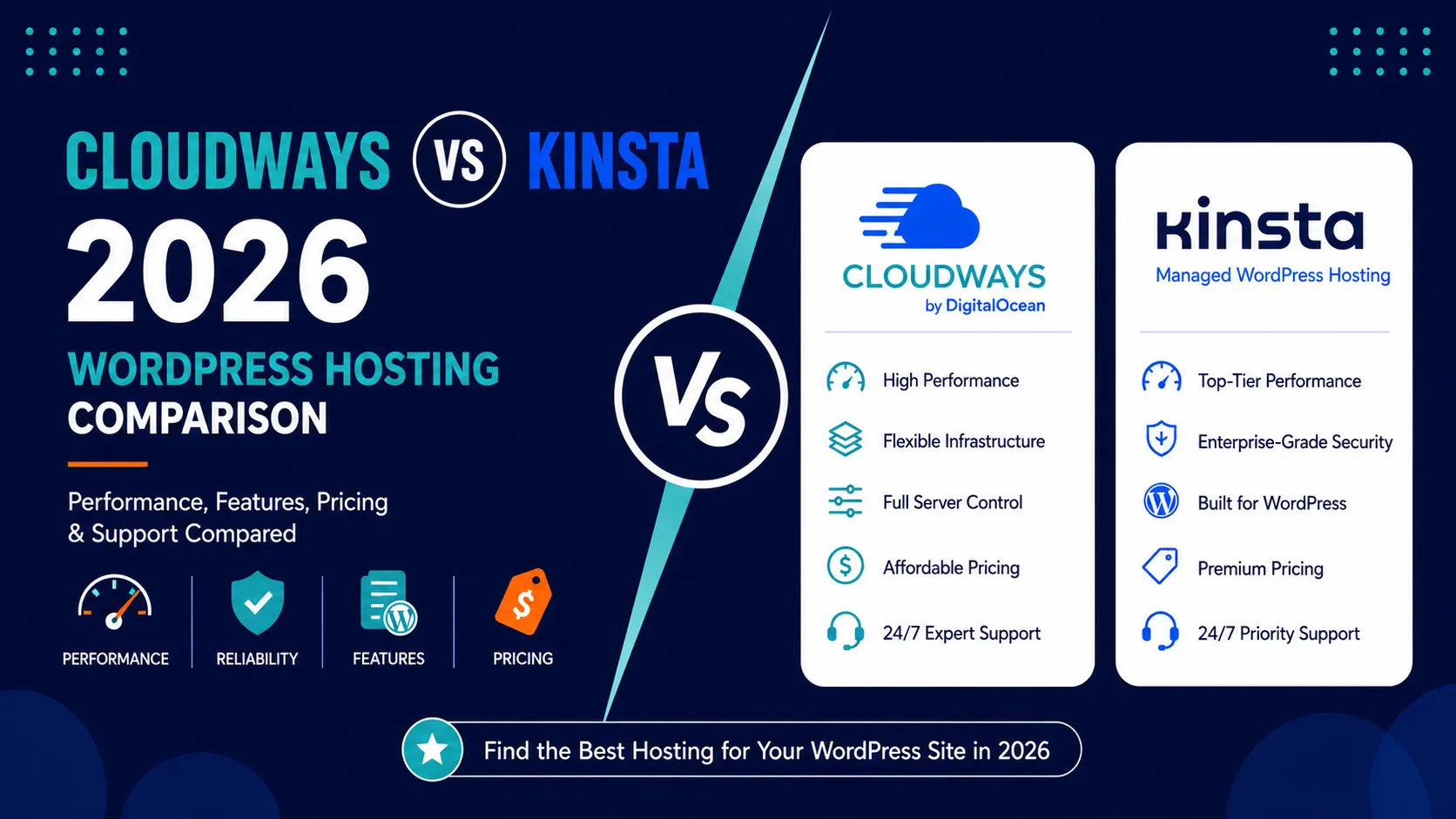
Cloudways vs Kinsta compares two premium hosting approaches for WordPress and growing websites. Cloudways is a managed cloud platform with infrastructure choice and pay-as-you-go billing. Kinsta is a managed WordPress platform with isolated environments, flexible traffic-based pricing, staging, edge services, migrations, and WordPress-specific developer tools.
Cloudways vs Kinsta: Quick Comparison
| Feature | Cloudways | Kinsta |
|---|---|---|
| Entry price | Flexible DigitalOcean from about $11/mo | Single-site Business from $35/mo or $30/mo annually |
| Billing | Hourly/pay-as-you-go | Monthly or annual managed plans |
| Infrastructure | DigitalOcean, Vultr, Linode, AWS, Google Cloud | Managed WordPress platform with isolated environments |
| Traffic model | Unlimited visits; bandwidth limits apply | Visit-based or server-bandwidth-based pricing |
| Sites | Unlimited applications subject to server resources | Plan-defined WordPress installs |
| Migration | Free managed migration included on current plans | Unlimited free migrations on current Business plans |
| Best fit | Developers and agencies needing infrastructure control | Teams wanting a WordPress-specific managed platform |
Pricing and Billing Model
Cloudways Flexible starts around $11 per month on DigitalOcean and bills hourly. Kinsta’s single-site Business plans start around $35 per month or $30 per month billed annually.
The price difference reflects the service model. Cloudways gives you managed access to cloud servers and lets you choose provider and capacity. Kinsta packages WordPress-specific infrastructure, support, staging, security, CDN, backups, and tooling into a managed platform.
Performance and Scaling
Cloudways allows vertical server scaling and offers its Lightning Stack, caching tools, staging, firewall, Redis/Object Cache options, and cloud-provider choice. Kinsta combines isolated WordPress environments with Cloudflare-powered edge services, APM, staging, API access, and managed WordPress optimization.
Neither platform should be declared universally faster without controlled tests. Application design, server size, geography, caching, plugins, and traffic type all affect performance.
Developer Experience
Cloudways is more infrastructure-oriented and gives developers flexibility across cloud providers and server sizes. Kinsta is more opinionated around WordPress but includes strong developer features such as staging, API access, APM, site cloning, and local-development tooling.
Support and Migrations
Both include 24/7 support. Cloudways offers standard support with optional advanced support upgrades. Kinsta focuses on 24/7 WordPress-specialist chat support and includes unlimited free migrations on current Business plans.
Cloudways Pros and Cons
| Pros | Cons |
|---|---|
| Low managed-cloud entry cost | More technical decisions |
| Cloud-provider choice | Email and domains handled separately |
| Hourly billing and scaling | Backup storage can add cost |
Kinsta Pros and Cons
| Pros | Cons |
|---|---|
| WordPress-specific managed platform | Higher entry price |
| Flexible traffic-based pricing | Less infrastructure choice |
| Strong developer and migration tools | No phone-first support model |
Related HostHuby Comparisons
See our WP Engine vs Kinsta 2026 and Rocket.net vs Kinsta 2026 comparisons.
Cloudways vs Kinsta for Agencies: What It’s Actually Like Managing Client Sites
If you build websites for clients, standard speed benchmarks only tell part of the story.
When you manage five, twenty, or fifty client websites, your day-to-day headaches aren’t just about raw milliseconds. They come down to practical questions: How painful is it when a client breaks their site on a Friday evening? Can I hand over billing without awkward emails? And how much will my monthly hosting bill jump every time I sign a new project?
Having managed client projects across both platforms, here is the honest truth about how Cloudways and Kinsta handle agency workflows.
The Big Difference: Isolated Containers vs Shared Cloud Servers
Before looking at dashboards or bills, you need to know how they treat your sites under the hood:
- With Kinsta, every WordPress site lives in its own private, isolated container running on Google Cloud’s top-tier infrastructure (C2 and C3 machines). Why does that matter to an agency? Because there is zero risk of cross-site trouble. If Client A runs a massive marketing campaign or gets hit with bad bot traffic, Client B on your account won’t even notice.
- With Cloudways, you spin up a single cloud server (through DigitalOcean, AWS, or Google Cloud) and host multiple client apps inside it. It’s flexible and budget-friendly, but they all share the same memory and CPU pool. If one client runs an unoptimized WooCommerce plugin or a heavy database query, it can quietly slow down other client sites on that same server until you step in to tweak or upgrade resources.
Cost-Per-Site: Where Your Profit Margins Win (or Take a Hit)
Let’s talk numbers, because their pricing philosophies couldn’t be more different.
- Cloudways is a margin booster. You pay for raw server resources, not the number of sites you install. A standard $54/month DigitalOcean droplet can easily host 10 to 15 lightweight client sites. That means adding a new portfolio or brochure site costs you virtually $0 extra until you need more RAM or disk space.
- Kinsta is an enterprise-grade bill. Kinsta prices by site count and total monthly traffic visits. To host 10 sites, you’re looking at their agency/business tiers, starting around $225 to $340 per month. Adding another site means moving up a tier or paying dedicated add-on fees.
Daily Agency Life: MyKinsta vs Cloudways Console
Where Kinsta makes agency work effortless:
- Painless client handovers: You can develop a site inside your agency account and transfer full billing and ownership to the client in two clicks once the invoice is paid.
- Built-in diagnostics without extra plugins: Kinsta includes free APM (Application Performance Monitoring). When a client calls saying their checkout is slow, you don’t need to guess; the dashboard pinpoints the exact slow plugin or database query in seconds.
- White-glove migrations: Instead of fiddling with migration plugins and timeout errors, Kinsta’s engineers handle site migrations for you at no charge.
Where Cloudways shines for developers:
- White-label client reporting: You can generate clean, branded PDF performance reports with your agency logo to show clients tangible proof of their site’s health.
- Server cloning in a few clicks: Need to spin up a rapid development sandbox or duplicate a complex staging setup? Cloudways makes cloning servers and apps remarkably simple.
- Pay-as-you-go flexibility: If you take on seasonal or temporary client projects, you only pay hourly for what you use without committing to high monthly minimums.
Support at 2 AM: Who Picks Up the Phone?
Support is where you truly discover the value of what you pay for.
- Kinsta’s support is lightning-fast and engineer-only. You click the chat icon inside MyKinsta, and within 1 to 2 minutes, you’re chatting directly with a senior Linux/WordPress technician—not a tier-1 script reader. When something goes sideways on a client site, having an expert diagnose server-level logs immediately is a huge weight off your shoulders.
- Cloudways’ standard support covers basic hosting questions, but they operate as an unmanaged layer on top of third-party cloud infrastructure. If you hit complex server bottlenecks or advanced PHP stack conflicts, standard chat support can feel slow or push you toward their premium paid support tiers (which cost $100 to $500+ extra per month).
The Verdict for Agencies: Which One Fits Your Setup?
- Go with Cloudways if: You want to keep your overhead low, host dozens of small-to-medium business sites under one predictable server bill, and you don’t mind rolling up your sleeves for occasional server maintenance. It’s the best option for maximizing agency profit margins on standard web design projects.
- Go with Kinsta if: You handle mission-critical eCommerce, high-traffic membership sites, or enterprise clients who cannot tolerate even five minutes of downtime. The higher price tag buys complete container isolation, world-class support on demand, and the peace of mind that no client site will ever drag down another.
Frequently Asked Questions
Is Cloudways cheaper than Kinsta?
Yes at the entry level. Cloudways DigitalOcean plans start around $11 per month, while Kinsta’s single-site Business plans start around $30 per month when billed annually.
Which is easier for nontechnical users?
Kinsta is generally more opinionated and WordPress-focused. Cloudways exposes more infrastructure decisions and is better suited to users comfortable with cloud hosting concepts.
Final Comparison
Cloudways is a strong fit for users who want managed cloud flexibility, hourly billing, and infrastructure choice. Kinsta is a strong fit for businesses and agencies that want a specialized managed WordPress environment with integrated developer tools and support.