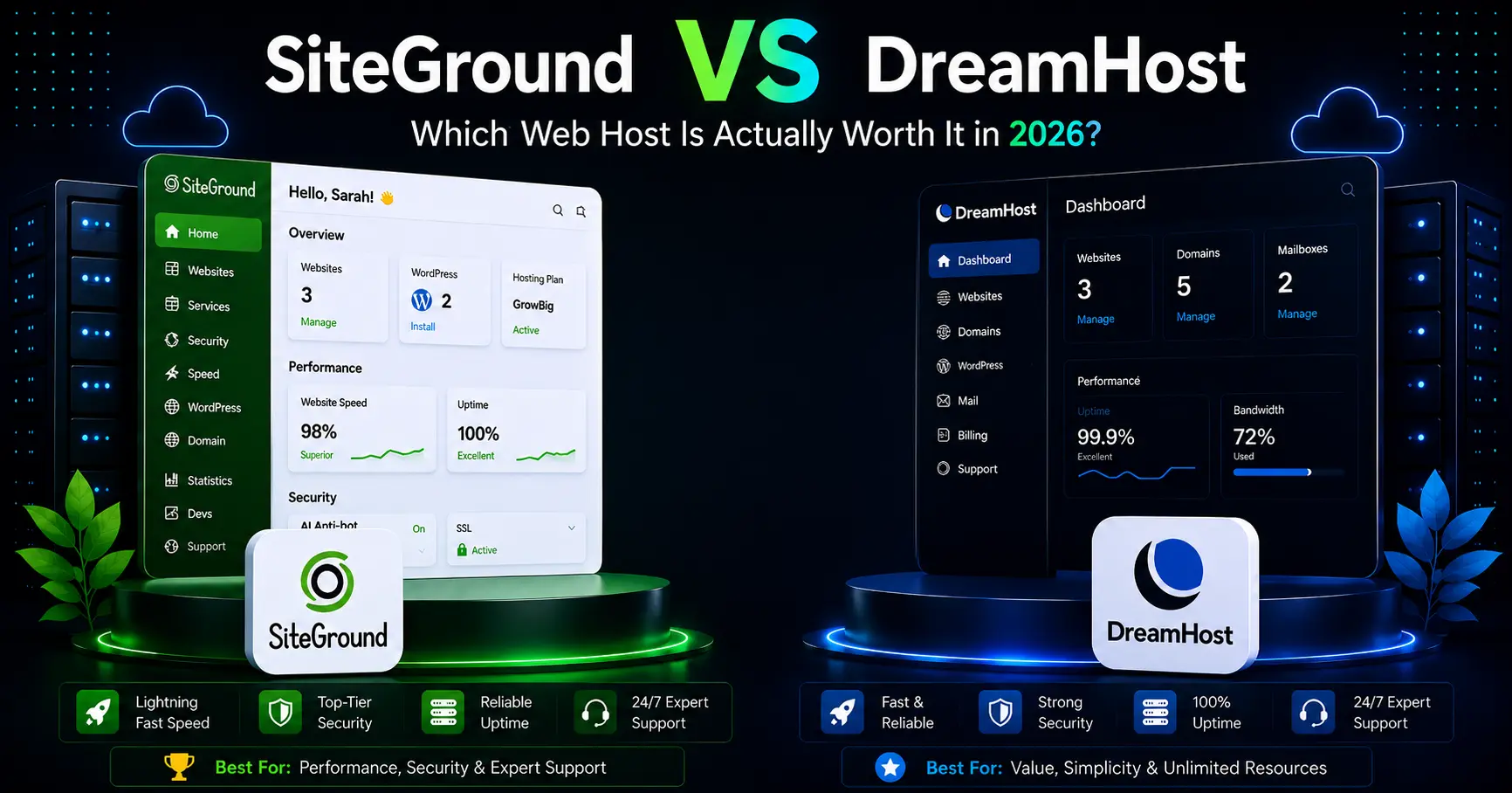
SiteGround vs DreamHost 2026: Pricing, Performance & WordPress Compared
SiteGround vs DreamHost is a useful comparison for WordPress users, bloggers, freelancers, and small businesses looking for reliable hosting in 2026. Both providers offer managed WordPress features, daily backups, free SSL, migration tools, and modern infrastructure, but their pricing, plan structures, support models, and upgrade paths are now very different.
SiteGround focuses on managed WordPress hosting built on Google Cloud with built-in caching, CDN, security, and 24/7 human support. DreamHost has recently refreshed its shared-hosting lineup with new Launch, Growth, and Scale plans that include NVMe storage, daily backups, unmetered bandwidth, and updated traffic guidance.
This 2026 SiteGround vs DreamHost comparison looks at current pricing, renewals, performance, WordPress features, storage, backups, support, ease of use, and which platform is better suited to different types of websites.
SiteGround vs DreamHost: Quick Comparison
Pricing checked in September 2026. Hosting promotions and renewal rates can change, so always verify the official checkout page before purchasing.
| Feature | SiteGround | DreamHost |
|---|---|---|
| Entry plan | StartUp | Launch |
| Intro price | $2.99/mo for 12 months | $2.89/mo for 1 year on the current pricing page |
| Renewal price | $17.99/mo | $10.99/mo after 1 year |
| Websites | 1 | 25 |
| Storage | 10 GB premium Google storage | 25 GB NVMe SSD |
| Traffic guidance | About 10,000 visits/mo as a reference | About 40,000 visits/mo |
| Bandwidth | Unmetered traffic within plan resources | Unmetered bandwidth |
| Backups | Daily backups | Daily automated backups |
| CDN | Included | Available depending on product; DreamPress adds Bunny CDN |
| Staging | Available on higher plans | DreamPress includes 1-click staging; standard web hosting is more basic |
| Support | 24/7 real human support | 24/7 in-house support |
| WordPress.org recommendation | Not currently listed | Not currently listed |
Pricing: SiteGround vs DreamHost
DreamHost currently has a slight edge on entry pricing and a much lower published renewal price. DreamHost Launch is listed at $2.89 per month for the first year and renews at $10.99 per month. SiteGround StartUp is $2.99 per month and renews at $17.99 per month.
DreamHost also runs longer promotional offers at times. A current September 2026 promotion advertises Launch at $1.99 per month for the first four years, renewing at $7.99 per month afterward. Because DreamHost promotions vary by campaign and term length, always compare the checkout total rather than relying on a single advertised monthly number.
SiteGround’s higher renewal price comes with a more tightly managed WordPress stack, integrated CDN and caching, and a strong support experience. DreamHost offers more websites and storage on its entry plan, which can be attractive for users managing multiple small sites.
Performance and Hosting Technology
SiteGround Performance
SiteGround runs its WordPress hosting on Google Cloud infrastructure and combines it with caching, CDN, managed updates, and security tools. StartUp includes 10 GB of premium Google storage and is positioned for around 10,000 monthly visits as a reference point rather than a hard limit.
SiteGround’s strength is the way its performance stack is integrated. Users do not need to assemble caching, CDN, backup, and managed WordPress tools separately.
DreamHost Performance
DreamHost’s current Launch plan includes 25 GB of NVMe SSD storage, unmetered bandwidth, daily backups, free SSL, and traffic guidance around 40,000 visits per month. The new Growth and Scale plans add more websites, storage, and traffic capacity.
DreamHost’s newer plans are a significant improvement over the older Shared Starter lineup. The old Shared Starter plan is no longer available for purchase, so older comparisons based on that plan are outdated.
There is no responsible way to claim that one host is always faster in every scenario. Real-world performance depends on theme quality, plugins, caching setup, geography, database load, media optimization, and traffic patterns.
WordPress Hosting Features
Neither SiteGround nor DreamHost is currently listed on WordPress.org’s official hosting recommendation page. As of September 2026, that page lists Pressable, Bluehost, and Hostinger.
SiteGround includes one-click WordPress setup, free migration, managed updates, daily backups, CDN, caching, security tools, and 24/7 support across its WordPress hosting platform.
DreamHost’s standard web-hosting plans support WordPress well and include one-click installation, daily backups, free migration, NVMe storage, and support. DreamPress is DreamHost’s more fully managed WordPress product, adding staging, Bunny CDN, and more specialized performance features.
Backups and Security
Both providers include daily backups on current entry plans, which makes this comparison much closer than older reviews suggest.
SiteGround combines daily backups with managed security, SSL, CDN, caching, and WordPress-specific protections. DreamHost Launch also includes daily automated backups, unlimited free SSL certificates, and modern infrastructure.
For ecommerce or frequently changing sites, verify backup retention, restore options, and whether on-demand backups are included on the exact plan you are considering.
Ease of Use
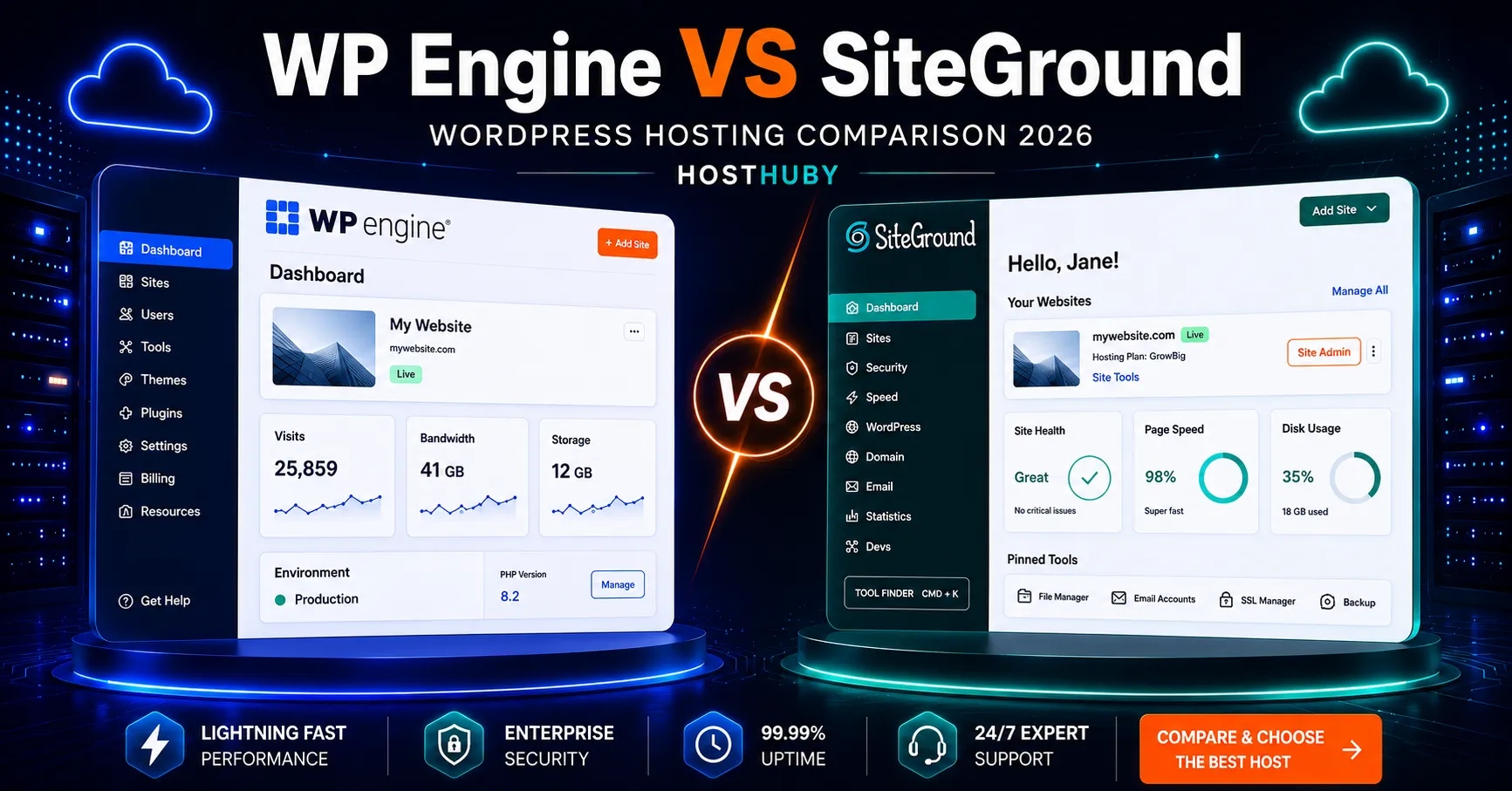
Both companies use custom dashboards instead of traditional cPanel. SiteGround uses Site Tools, while DreamHost has its own proprietary control panel.
Site Tools is tightly integrated with caching, CDN, backups, domains, security, email, and WordPress management. DreamHost’s panel is clean and straightforward, with a strong focus on domains, hosting, WordPress, email, and account-level management.
Beginners can use either platform. SiteGround exposes more managed hosting controls up front, while DreamHost’s interface may feel simpler for basic hosting tasks.
Customer Support
SiteGround emphasizes 24/7 human support as a core part of its hosting service. The company positions support as one of its main differentiators for WordPress and business customers.
DreamHost’s current pricing pages also advertise 24/7 support from in-house WordPress experts. This is an important update because older articles often describe DreamHost support as limited to business hours.
Support availability, response channels, and phone access can vary by plan, so users who specifically require phone support should verify the exact plan before purchase.
SiteGround vs DreamHost for Different Users
For Beginners
DreamHost is attractive for beginners who want more websites, more storage, and lower long-term renewal pricing on the entry plan. SiteGround is attractive for beginners who want a more tightly managed WordPress environment with caching, CDN, and support integrated from the start.
For Bloggers
Both are suitable for blogs. SiteGround offers a strong managed performance stack, while DreamHost offers more storage and website capacity at a lower renewal cost.
For Small Businesses
SiteGround may suit businesses that value managed infrastructure, daily backups, integrated CDN, and strong support. DreamHost may suit businesses that prioritize long-term cost control, storage, and multi-site capacity.
For WooCommerce
For ecommerce, compare higher-tier plans rather than only StartUp and Launch. Resource limits, object caching, staging, backup retention, support, and traffic handling matter more for stores than the entry price alone.
SiteGround Pros and Cons
| Pros | Cons |
|---|---|
| Low introductory price | High renewal price |
| Daily backups, CDN, caching, and security | Only one website on StartUp |
| Google Cloud infrastructure | 10 GB storage on StartUp |
| 24/7 human support | Staging requires a higher tier |
| Strong managed WordPress workflow | Not currently listed on WordPress.org’s hosting page |
DreamHost Pros and Cons
| Pros | Cons |
|---|---|
| Lower renewal price than SiteGround StartUp | Standard web hosting is less managed than SiteGround |
| 25 websites on Launch | Advanced WordPress features require DreamPress |
| 25 GB NVMe storage | CDN and staging are more product-dependent |
| Daily automated backups | Promotional pricing varies by campaign length |
| Unmetered bandwidth | Not currently listed on WordPress.org’s hosting page |
SiteGround vs DreamHost: Key Differences
Renewal pricing: DreamHost Launch currently renews at a much lower monthly price than SiteGround StartUp.
Website count: DreamHost Launch supports 25 websites, while SiteGround StartUp supports one.
Storage: DreamHost Launch includes 25 GB NVMe SSD, compared with 10 GB of premium Google storage on SiteGround StartUp.
Managed features: SiteGround integrates CDN, caching, and managed WordPress tools more tightly on its core hosting plans.
WordPress.org: Neither provider is currently listed on the official WordPress.org hosting recommendation page.
Related HostHuby Comparisons
For more WordPress hosting comparisons, read our SiteGround vs Bluehost 2026 and Bluehost vs DreamHost guides. You can also see our SiteGround Review 2026 and browse the Best Web Hosting Comparisons hub.
Frequently Asked Questions
Is DreamHost cheaper than SiteGround in 2026?
Yes on current published renewal pricing. DreamHost Launch renews at $10.99 per month after the first year, while SiteGround StartUp renews at $17.99 per month.
Is DreamHost still recommended by WordPress.org?
No. As of September 2026, WordPress.org lists Pressable, Bluehost, and Hostinger. DreamHost and SiteGround are not currently listed.
Does DreamHost still sell Shared Starter?
No. DreamHost’s old Shared Starter plan is no longer available for purchase. The current entry plan is Launch.
Which includes daily backups?
Both SiteGround StartUp and DreamHost Launch currently include daily backups.
Which is better for multiple websites?
DreamHost Launch supports up to 25 websites, while SiteGround StartUp supports one. SiteGround’s GrowBig and GoGeek plans support unlimited websites within plan resource limits.
Final Comparison
The SiteGround vs DreamHost comparison has changed significantly in 2026. DreamHost’s new Launch plan offers more websites, more storage, daily backups, and a lower renewal price than the old Shared Starter plan that many comparisons still reference.
SiteGround remains attractive for users who want a tightly integrated managed WordPress environment with Google Cloud infrastructure, caching, CDN, daily backups, and 24/7 support.
DreamHost is especially attractive for users who prioritize long-term value, multi-site capacity, NVMe storage, and unmetered bandwidth.
Before purchasing either service, check the official pricing page for the exact term you want. DreamHost runs frequent long-term promotions, while SiteGround’s introductory pricing is usually tied to a 12-month term.