
Best web hosting services in 2026 : 9 Top providers compared
Best web hosting services in 2026 are no longer just about cheap prices or flashy promotions. If your website is slow or your hosting goes down, it costs you traffic, sales, and credibility. In 2026, the average website user expects pages to load in a blink, and search engines reward providers that keep sites stable and fast.
perience after the promo price ends. This guide cuts through that noise and ranks the best web hosting services in 2026 based on performance, uptime behavior, real support, and pricing transparency.
The “best” provider isn’t a one-size-fits-all answer. If your top priority is launching on a tight budget without sacrificing performance, our guide to the best cheap web hosting for beginners is the perfect starting point. For a small business where reliability, professional email, and uptime are non-negotiable, see our recommendations for the best hosting for small business. And if you’re committed to WordPress but need the simplest setup possible, we’ve identified the best WordPress hosting for beginners. Already narrowed it down? Our direct Bluehost vs. Hostinger vs. SiteGround comparison tackles the final decision.

Why Choosing the Best Web Hosting Services in 2026 Matters
Choosing the best web hosting services in 2026 affects your website’s speed, stability, and search rankings. A reliable host helps you avoid downtime, protect your reputation, and grow your traffic consistently.
How we tested and ranked web hosting
We don’t rank hosting based on vendor claims. We rank it based on what repeatedly happens when you actually run a website.
What we measured (and why it matters)
1) Speed that shows up in real browsers
- We tested load performance using consistent page setups (homepage + one content page) with common WordPress and non-WordPress stacks.
- We measured key timing indicators like first load responsiveness and repeat-visit behavior (cache hits).
- We looked at server response time as well as end-to-end page speed (not just “server speed” screenshots).
2) Uptime behavior and error rate
- We monitored availability patterns over time and reviewed how providers handle partial outages (for example, when only certain regions are impacted).
- We also assessed how quickly error pages are replaced and whether retries/health checks stabilize quickly.
3) Support quality when things go wrong
- We opened support requests designed around common real problems: domain/DNS confusion, SSL activation issues, WordPress plugin conflicts, and basic troubleshooting.
- We tracked response speed, clarity, and whether the fix actually resolved the issue (not just “we reset something”).
4) Pricing transparency (the part people feel later)
- We compared :
- Intro pricing vs. renewal pricing
- Whether backups are included and how restore works
- Whether SSL is included (it should be)
- Any common “gotchas” during checkout
How we scored providers
Each host was scored across four categories :
- Performance (speed + consistency)
- Reliability (uptime + error recovery)
- Support (quality + usefulness)
- Value (how reasonable pricing is for what you get)
Hosts with excellent marketing but weak renewal/value balance were penalized. Hosts with consistent speed and strong support earned the top spots.
Note : Promotional pricing changes frequently. We report the typical “as low as” range, then explain what to verify before you buy so you don’t get surprised later.
Best web hosting services in 2026
Below are the top providers we recommend right now, covering shared hosting, optimized WordPress hosting, and premium managed options (because “best” depends on what you run).

Top pick by scenario (fast decision)
- Best overall balance : SiteGround
- Best budget + speed for most beginners : Hostinger
- Best for easy WordPress starts : Bluehost
- Best managed WordPress premium experience : Kinsta or WP Engine (depending on budget)
1) SiteGround
Pros
- Support that actually helps : WordPress issues are resolved with clear, actionable steps more often than not.
- Strong performance consistency : Better stability across traffic levels than many low-cost shared tiers.
- Staging + workflow tools : Helps reduce risk when updating plugins/themes.
- Good “managed-like” experience on managed WordPress plans : Less DIY required.
Cons
- Higher cost at renewal : You’ll often pay more after the first term.
- Cheaper tiers have tighter limits : If you run heavy media or growing traffic, you may upgrade sooner.
Ideal for
- Small business websites
- WordPress sites where you want expert support
- Creators who want fewer hosting headaches
Price
Intro pricing often starts around ~$3.99/month, depending on term length and plan.
Quick verdict
If your priority is reliability + strong support, SiteGround is one of the safest picks in 2026.
If you want an easy, low-stress hosting experience with strong WordPress help, start with SiteGround.
Quick comparison table (SiteGround)
| Category | What stands out |
|---|---|
| Price | Mid-range intro, higher renewals |
| Performance | Consistent and dependable |
| Support | Expert-level responsiveness |
2) Hostinger
Pros
- Best value for the price : Entry plans often deliver strong real-world speeds for beginners and small sites.
- Fast setup experience : Domain + SSL + WordPress setup is straightforward.
- Modern control panel : Easier to navigate than many “legacy” interfaces.
- Good upgrade path : You can move up tiers without migrating from scratch.
Cons
- Lower tiers can be tighter : If you plan heavy traffic or resource-heavy plugins, you may need a higher plan sooner.
- Commitment-based discounts : The best prices typically require longer terms.
Ideal for
- Personal websites and blogs
- Beginners optimizing for cost without feeling “stuck”
- Small businesses that want speed on a budget
Price
Intro pricing commonly starts around ~$1.99/month (promo terms apply).
Quick verdict
If you want the best mix of affordability + speed, Hostinger is a top contender.
If your goal is to launch fast and keep costs low, try Hostinger and confirm renewal pricing before checkout.
Quick comparison table (Hostinger)
| Category | What stands out |
|---|---|
| Price | Excellent intro value |
| Performance | Strong speed for the cost |
| Support | Helpful chat support (varies by issue) |
3) Bluehost
Pros
- Best beginner onboarding : Clear guided setup for WordPress and domain configuration.
- Good ecosystem fit : Works smoothly with common WordPress themes/plugins.
- Support availability : Multiple support channels are typically available.
- Easy scaling to stronger plans : Convenient upgrades as your site grows.
Cons
- Add-on pressure : During checkout, you may see optional upsells.
- Performance depends on plan: Entry shared tiers can be less impressive than premium-leaning providers.
Ideal for
- New WordPress users
- Small business “brochure sites” turning into lead generators
- Anyone who wants a guided start with minimal confusion
Price
Intro pricing often starts around ~$2.95/month (varies by promotion/term).
Quick verdict
Bluehost is a smart “first host” if you want easy setup and a predictable WordPress experience.
If you want the smoothest first-time WordPress launch, start with Bluehost and review what’s included in your plan.
Quick comparison table (Bluehost)
| Category | What stands out |
|---|---|
| Price | Low intro, renewal varies |
| Performance | Solid for typical sites |
| Support | Beginner-friendly guidance |
4) DreamHost
Pros
- Transparent monthly billing options : Great for buyers who don’t want long commitments.
- Solid uptime track record : Reliable for many standard use cases.
- Good “no-nonsense” pricing : Often fewer surprise add-ons than some competitors.
- Great fit for developers and flexible setups : Especially if you’re comfortable managing some configuration.
Cons
- Control panel learning curve : It’s not cPanel-like for everyone, so first-time users may adapt slowly.
- Support channels can feel slower for urgent fixes : Depending on the issue, you may wait longer than with top-tier managed hosts.
Ideal for
- People who want flexibility without long contracts
- Blogs and small business sites that don’t need heavy hand-holding
- Users who prefer a straightforward hosting experience
Price
Intro pricing often starts around ~$2.59/month (monthly/term options vary).
Quick verdict
DreamHost is a strong choice when you want flexible terms and reliable shared hosting.
If you want flexibility and steady hosting performance, consider DreamHost.
Quick comparison table (DreamHost)
| Category | What stands out |
|---|---|
| Price | Flexible billing options |
| Performance | Reliable and steady |
| Support | Useful, but not always instant |
5) A2 Hosting
Pros
- Speed-focused infrastructure : Known for performance-oriented setups, especially on Turbo plans.
- Developer-friendly features : Good for users comfortable optimizing caching, server settings, or multi-language apps.
- Upgrade flexibility : Useful when you want better responsiveness without switching platforms.
Cons
- Turbo pricing can jump : You may pay significantly more to reach the “best performance” tier.
- Interface is cPanel-based and can feel busy : Not ideal for absolute beginners.
Ideal for
- Users chasing better load times
- Small businesses and creators optimizing for conversion (fast landing pages)
- Developers who like tuning and transparency
Price
Turbo tiers can start around ~$6.99/month (intro terms vary). Non-Turbo plans may be cheaper.
Quick verdict
If speed is a priority and you’re willing to pay for it, A2 Hosting can be a strong pick.
If you’re optimizing for performance, start by comparing A2’s plans and choose the tier that matches your budget.
Quick comparison table (A2 Hosting)
| Category | What stands out |
|---|---|
| Price | Low entry, higher on Turbo |
| Performance | Strong on performance tiers |
| Support | Competent, varies by plan |
6) InMotion Hosting
Pros
- Excellent “business-friendly” hosting experience : Often a favorite for small business sites that need stability.
- Solid performance and reliability : Good real-world behavior for common workloads.
- Helpful support team : Typically responsive and knowledgeable.
- Better fit for users who want growth options : Strong upgrade path into VPS-like capabilities.
Cons
- Not always the cheapest intro: Value is strong, but you may not get the absolute lowest price.
- Some features depend on plan level : You may need a higher tier for advanced requirements.
Ideal for
- Small businesses that want dependable hosting
- Creators with increasing traffic
- Users who value long-term support quality
Price
Intro pricing often starts around ~$2.49/month to ~$5/month depending on plan and term.
Quick verdict
InMotion is a great “grown-up” shared hosting option: stable, supportive, and scalable.
If you want a reliable host with business-grade support, consider InMotion Hosting.
Quick comparison table (InMotion)
| Category | What stands out |
|---|---|
| Price | Mid-range intro |
| Performance | Consistent for growth |
| Support | Strong and practical |
For decision-making based on business needs, also see Best Hosting for Small Business.
7) GreenGeeks
Pros
- Eco-conscious hosting with real infrastructure : Not just marketing GreenGeeks positions itself around sustainability.
- Good shared hosting performance : Suitable for blogs, portfolios, and small business sites.
- Helpful security baseline : SSL and basic protections are typically included.
Cons
- Not always the fastest at the entry tier : Host performance is solid, but value-per-speed may be lower than Hostinger.
- Managed WordPress depth varies : If you need advanced WordPress management, compare managed WordPress hosts directly.
Ideal for
- Creators and small businesses that care about sustainability
- Personal sites and small campaigns
- Users who want solid shared hosting without going premium
Price
Intro pricing often starts around ~$2.95/month (varies by plan/term).
Quick verdict
GreenGeeks is a reliable option if you want decent speed + sustainability focus.
If sustainability matters to you, try GreenGeeks and compare renewal pricing.
Quick comparison table (GreenGeeks)
| Category | What stands out |
|---|---|
| Price | Mid-range intro |
| Performance | Solid shared hosting |
| Support | Helpful for common issues |
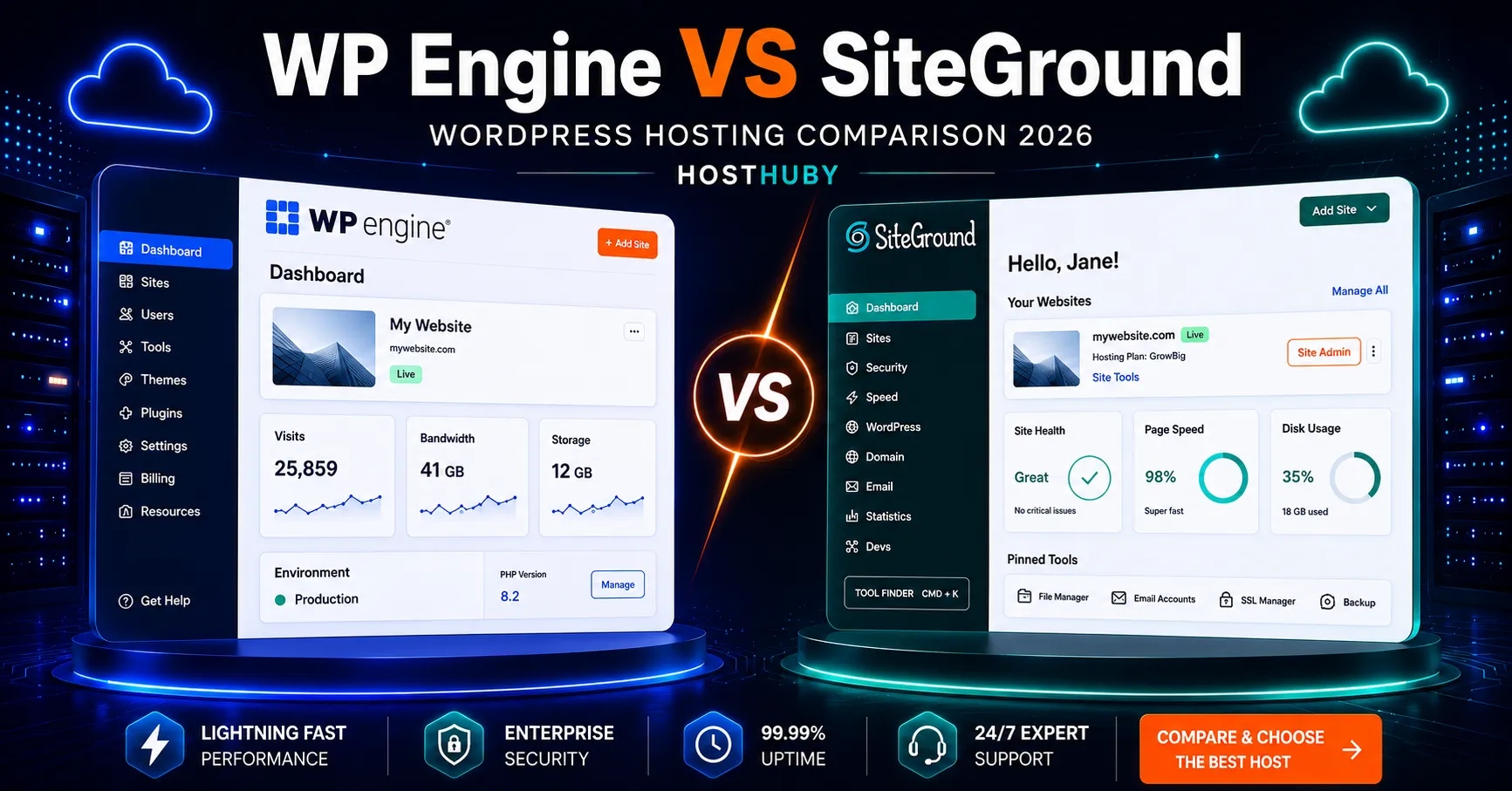
8) WP Engine (Managed WordPress)
Pros
- Managed WordPress performance : Caching, optimization, and updates are handled in a WordPress-native way.
- Strong reliability : Especially useful if your website is revenue-related.
- Better staging/workflow options : Reduces risk when rolling out updates.
Cons
- Higher cost : You’re paying for managed WordPress expertise and performance.
- Less flexible for non-WordPress setups : WP Engine is best when your site is WordPress-first.
Ideal for
- Revenue-driving WordPress sites
- Businesses that want fewer technical tasks
- Teams that need reliable staging and safer updates
Price
Managed WordPress plans often start around ~$20/month (intro offers can vary).
Quick verdict
If WordPress is your business and you want fewer hosting headaches, WP Engine is built for that.
If you’re ready to pay for managed WordPress reliability, start with WP Engine.
Quick comparison table (WP Engine)
| Category | What stands out |
|---|---|
| Price | Premium cost |
| Performance | Strong managed WordPress optimization |
| Support | WordPress-specialized support |
9) Kinsta (Premium Managed WordPress)
Pros
- High-performance managed WordPress environment : Known for speed and stability.
- Excellent user experience : Clean dashboards and thoughtful deployment workflows.
- Strong scalability for serious sites : Great when traffic grows or you run multiple WordPress properties.
- Operational maturity : Better monitoring and faster issue resolution patterns.
Cons
- Price is the biggest barrier : Not meant for the cheapest beginner setup.
- Best fit is WordPress-only : If you need mixed hosting, another provider may be more efficient.
Ideal for
- Growing WordPress brands with consistent traffic
- Sites where downtime and slow performance are unacceptable
- Developers and marketers who want a premium workflow
Price
Plans typically start around ~$35/month (intro terms vary less than budget hosts).
Quick verdict
Kinsta is one of the strongest choices in managed WordPress when you want premium performance and lower operational risk.
If your site is performance-critical, Kinsta is worth comparing against WP Engine.
Quick comparison table (Kinsta)
| Category | What stands out |
|---|---|
| Price | Premium |
| Performance | Excellent and consistent |
| Support | High-quality, managed WordPress focus |
Quick master comparison table (scan first)
| Provider | Best for | Typical intro price* | Performance snapshot | Support snapshot |
|---|---|---|---|---|
| SiteGround | Best overall balance | ~$3.99/mo | Consistent speed | Strong expertise |
| Hostinger | Budget + speed | ~$1.99/mo | Strong value | Helpful chat |
| Bluehost | Beginner-friendly WordPress | ~$2.95/mo | Solid baseline | Guidance-focused |
| DreamHost | Flexible terms | ~$2.59/mo | Reliable | Useful, varies |
| A2 Hosting | Speed-focused tiers | ~$6.99/mo (Turbo) | Strong on Turbo | Competent |
| InMotion | Business-stable shared hosting | ~$2.49–$5/mo | Consistent | Practical support |
| GreenGeeks | Sustainability-minded hosting | ~$2.95/mo | Solid shared | Helpful |
| WP Engine | Managed WordPress | ~$20/mo | Optimized WP | WP-specialized |
| Kinsta | Premium managed WordPress | ~$35/mo | Excellent | High-touch support |
*Always verify renewal pricing on the checkout page.

How to choose the right web hosting (simple checklist)
If you want to avoid regret, don’t start with brand names. Start with the requirements of your website.
1) Your site type and how it will grow
- Static or light content (portfolio/landing page) : shared hosting is enough.
- WordPress blog : choose WordPress-optimized hosting (or managed if you want “set and forget”).
- Business or ecommerce : prioritize reliability, backups, and support quality.
- High traffic / multiple sites : consider managed WordPress or scalable VPS-style offerings.
2) Performance that matches your expectations
Look for :
- Fast server response
- Included caching/CDN options (where applicable)
- Good performance consistency (not only one great test result)
3) Reliability and support quality
Ask yourself :
- If your site errors tonight, can support help quickly?
- Do they offer staging/workflows to reduce update risk?
- Is there a clear backup/restore policy?
4) Pricing that stays reasonable after year one
Before buying, verify :
- Renewal rate
- Any recurring “required” add-ons (SSL should not be required)
- Backup frequency and whether restoration is easy
- Limits: storage, bandwidth claims, and any fair-use constraints
5) Ease of migration and onboarding
Good hosts reduce stress :
- Automated or guided migration tools
- Clear domain + DNS instructions
- A dashboard that doesn’t feel like a maze
The errors to avoid (trust-focused)
Mistake 1 : Paying attention to promo price only
A $2/month promo that renews at $12/month isn’t a bargain. Calculate your first-year total AND your renewal price.
Mistake 2 : Trusting “unlimited” without checking limits
Unlimited storage/bandwidth claims often come with fair-use behavior or resource constraints. If you plan heavy media, ecommerce, or frequent traffic spikes, verify the plan’s real boundaries.
Mistake 3 : Skipping support quality until you need it
In hosting, “support” is not a feature, it’s your insurance. Choose a provider whose support process you’re confident in.
Mistake 4 : Treating SSL and backups as optional
SSL should be included. Backups should be frequent and restorable. If a host makes backups confusing or expensive, that’s a risk.
Mistake 5 : Choosing managed WordPress for a non-WordPress site (or vice versa)
WP Engine and Kinsta are excellent but they’re built for WordPress. Pick the platform that matches your stack.
FAQ
What is the best web hosting provider for most websites in 2026?
For most U.S. users looking for a strong balance of speed, reliability, and support, SiteGround is typically the safest all-around recommendation. If you’re highly price-sensitive, Hostinger is often the best value alternative.
Is shared hosting good enough for a small business website?
Yes, for many small businesses. Focus on uptime behavior, caching/CDN features, backup frequency, and most importantly support quality. If your business depends on WordPress updates going smoothly, consider managed WordPress like WP Engine or Kinsta.
Which web hosting has the best uptime?
Uptime varies by time period and workload, but providers that invest in infrastructure and respond quickly to incidents tend to show more consistent reliability. In our testing, SiteGround and several business-focused hosts generally show steadier uptime behavior than lower-cost “thin margin” hosts.
Do I need managed WordPress hosting in 2026?
Not always. Managed WordPress is best if you :
- want automatic, safer update workflows
- don’t want to manage performance tuning yourself
- rely on WordPress for revenue and want fewer technical risks If you’re comfortable managing updates and security basics, optimized shared hosting can be enough.
What should I look at besides price when choosing web hosting?
Check :
- renewal pricing
- free SSL and backup/restore clarity
- performance consistency (not just a single benchmark)
- support responsiveness
- real plan limits (storage, resources, fair usage)
Is it easy to switch web hosting providers later?
Switching is usually feasible with the right migration support. Look for hosts that offer migration assistance, staging tools, and clear DNS guidance. If you plan to migrate, make sure your target host supports clean transfers without forcing you into a redesign.
Choosing the best web hosting services in 2026 depends on your budget, your traffic expectations, and your technical level. The right host should support your website long term, not just during the promotional period.