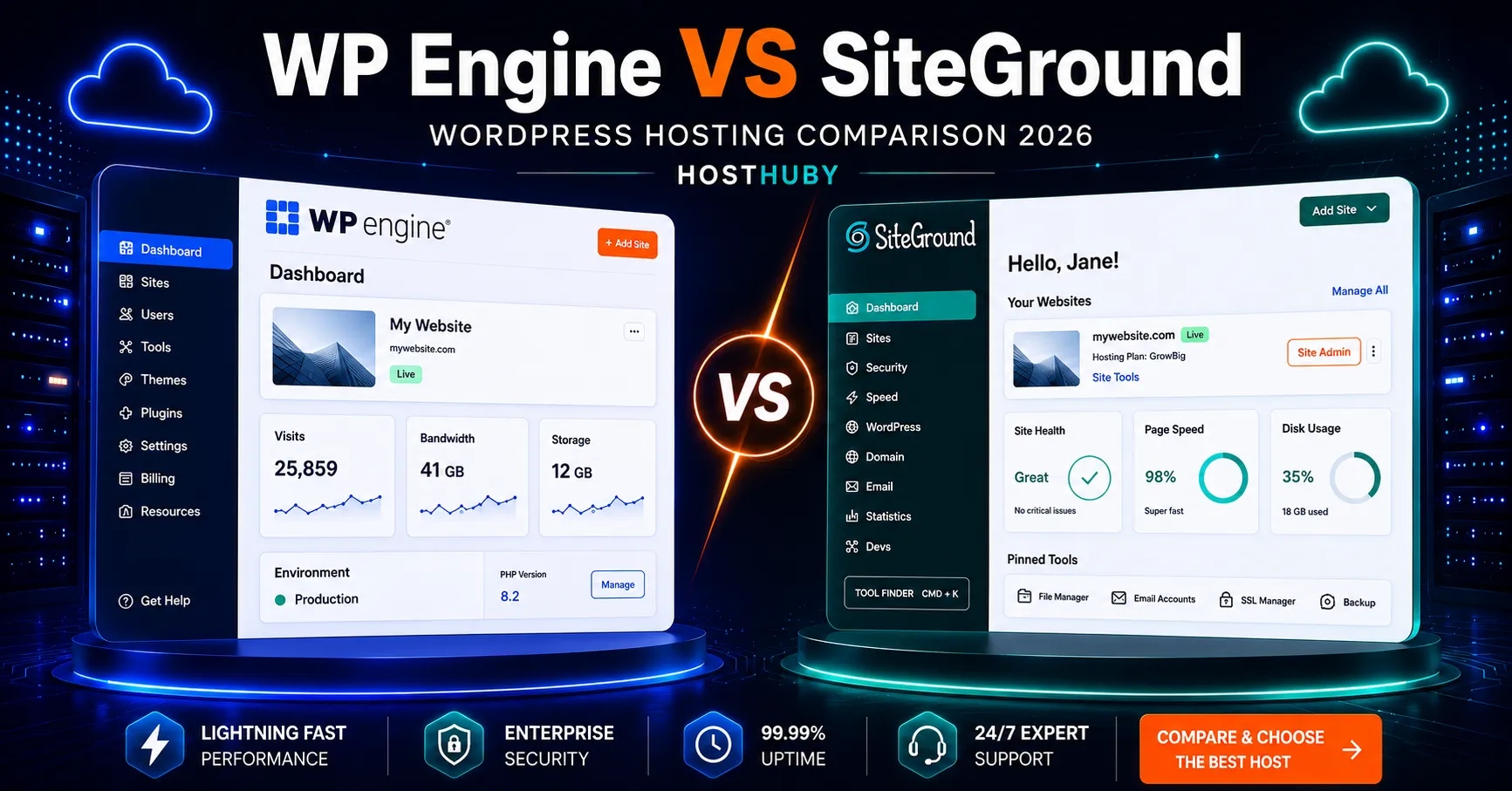
WP Engine vs SiteGround 2026: Which WordPress Hosting Solution Is Best?
WP Engine vs SiteGround is a useful comparison for anyone choosing between premium managed WordPress hosting and a more affordable, all-in-one WordPress hosting platform. Both providers offer strong WordPress tools, daily backups, caching, security features, and 24/7 support, but their pricing, resource limits, developer workflows, and hosting models are very different.
WP Engine is built specifically around managed WordPress. Its platform emphasizes staging environments, EverCache, developer tools, managed updates, and scalable infrastructure for business-critical sites. SiteGround takes a broader approach, combining WordPress hosting with email, daily backups, CDN, migration tools, and lower entry pricing for small businesses and individual site owners.
This 2026 comparison focuses on the details that matter most: pricing, performance, support, WordPress features, backups, ease of use, scalability, and which type of user each platform is designed to serve.
WP Engine vs SiteGround: Quick Comparison
Pricing checked in September 2026. Hosting promotions and plan structures can change, so verify the official pricing page before purchase.
| Feature | WP Engine | SiteGround |
|---|---|---|
| Starting price | Startup from $25/mo billed annually | StartUp from $2.99/mo introductory |
| Renewal pricing | No shared-host style promotional jump on the cited annual Startup offer | StartUp renews at $17.99/mo |
| Websites | 1 site on Startup | 1 site on StartUp |
| Storage | 10 GB | 10 GB |
| Traffic model | 25,000 visits/mo on Startup | Traffic not billed per visit; plan resource limits still apply |
| Email hosting | Use a separate email provider | Included |
| Staging | Development, staging, and production environments included | Available on higher plans such as GrowBig and GoGeek |
| Backups | Automatic and on-demand backups | Daily backups |
| CDN / caching | EverCache plus CDN features | Multilevel caching plus CDN |
| Support | 24/7 WordPress support; Startup uses chat, phone on eligible higher plans | 24/7 expert human support |
| Money-back period | 60-day guarantee on eligible plans | 30 days |
| Best fit | Agencies, developers, business-critical WordPress sites | Small businesses, bloggers, freelancers, and budget-conscious WordPress users |
Pricing: WP Engine vs SiteGround
The biggest difference in the WP Engine vs SiteGround comparison is price. SiteGround is much cheaper during the introductory term, while WP Engine is positioned as a premium managed WordPress platform.
SiteGround currently lists its StartUp WordPress plan at $2.99 per month for the initial term, renewing at $17.99 per month. The plan includes one website, 10 GB of storage, SSL, CDN, daily backups, migration tools, email, and support.
WP Engine’s Startup plan is currently shown at $25 per month when billed annually. It includes one site, 25,000 visits per month, 10 GB of storage, 50 GB of bandwidth, managed WordPress tools, development and staging environments, SSL, EverCache, and CDN features.
The practical pricing question is therefore not just “$2.99 versus $25.” SiteGround’s first-term price increases at renewal, while WP Engine starts at a higher level and charges based on a managed WordPress model with explicit visit and bandwidth allowances. SiteGround remains the lower-cost option for many small websites, especially when included email hosting matters.
Performance and Hosting Architecture
Both providers invest heavily in WordPress performance, but they optimize in different ways. WP Engine uses a WordPress-specific managed platform with EverCache, CDN integration, automated platform management, and separate development, staging, and production environments. SiteGround combines cloud infrastructure with multilevel caching, its Speed Optimizer tools, CDN features, and server-level performance tuning.
WP Engine Performance
WP Engine is designed around managed WordPress workloads. Its platform includes caching, automated backups, staging, SSL, SSH access, managed updates, and traffic-based capacity planning. The Startup plan currently allows 25,000 visits per month, and overages are billed at $2 per 1,000 additional visits on eligible shared plans.
SiteGround Performance
SiteGround combines WordPress hosting with server-level caching, CDN, automatic updates, and performance tools managed from the same account. Its StartUp plan is positioned for smaller sites, while GrowBig and GoGeek add more resources and advanced features.
It is better to avoid universal claims that one host is always faster. Real-world WordPress performance depends on the theme, plugins, caching setup, media optimization, server location, traffic patterns, and test methodology. Both platforms can deliver strong results when properly configured.
WordPress Features and Developer Tools
WP Engine is more specialized around professional WordPress workflows. Its Startup plan includes separate development, staging, and production environments, transferable sites, SSH access, managed backups, EverCache, and WordPress-focused platform management.
SiteGround also offers managed WordPress tools, including automatic updates, migration tools, WP-CLI, SSH, caching, security features, and WordPress management from its custom dashboard. Staging is available on higher-tier plans rather than being a core entry-plan feature.
Staging Environments
WP Engine includes development, staging, and production environments as part of its managed workflow. This is especially useful for developers, agencies, and businesses that regularly test plugin updates, theme changes, or custom code before pushing changes live.
SiteGround offers staging on higher WordPress plans such as GrowBig and GoGeek. If staging is essential, compare those plans rather than the entry-level StartUp plan.
Email Hosting
SiteGround includes email hosting with its current hosting plans. WP Engine focuses on managed WordPress hosting and recommends using a third-party email provider for domain-based business email. That extra service should be included in the total cost comparison if email hosting is important to your business.
Security and Backups
Both providers include automatic backups and managed security features. WP Engine’s managed platform includes automated backups, WordPress-focused security controls, SSL, caching, and platform-level protections.
SiteGround includes daily backups, SSL, managed updates, security tools, CDN features, and account-level protections across its WordPress hosting plans.
For a business-critical website, compare backup retention, restore options, malware response, security add-ons, and how each provider handles a compromised site. These details can matter more than the headline plan price.
Customer Support
WP Engine provides 24/7 WordPress-focused technical support. Live chat is available on Startup, while phone support is not available on Lite and Startup plans and is included on eligible higher-tier plans. This support model is designed around WordPress-specific platform issues.
SiteGround promotes 24/7 expert human support across its hosting platform. For beginners and small business owners, that broad support structure can be useful because hosting, email, migration, WordPress, and account management are handled within the same ecosystem.
One important correction: neither WP Engine nor SiteGround is currently listed on WordPress.org’s official hosting recommendation page. As of September 2026, WordPress.org lists Pressable, Bluehost, and Hostinger.
Ease of Use
SiteGround is easier to position as an all-in-one hosting solution. WordPress hosting, email, backups, domains, security, migration, and support can be managed from one account. That simplicity is attractive for small businesses that do not want to assemble several third-party services.
WP Engine’s dashboard is built around professional WordPress management. It is straightforward for developers and experienced WordPress users, but the platform is more specialized and may be unnecessary for a simple brochure site or beginner blog.
WP Engine vs SiteGround for Different Users
For Beginners and Small Websites
SiteGround is easier to justify for many small websites because the introductory cost is low and key services such as email, daily backups, CDN, SSL, migration tools, and support are bundled together.
For Agencies and Developers
WP Engine is more directly aligned with professional WordPress workflows. Separate development, staging, and production environments, transferable sites, SSH access, managed infrastructure, and traffic-based scaling make it a stronger fit for agencies and teams managing client sites.
For Growing Business Websites
A growing business can use either platform. SiteGround offers a lower-cost path through GrowBig and GoGeek, while WP Engine offers a more specialized managed WordPress environment with explicit capacity limits and higher-tier scaling options.
For WooCommerce
Both companies support WooCommerce. Store owners should compare resource limits, caching behavior, checkout performance, backup policies, support access, and upgrade paths rather than choosing only by the introductory price.
WP Engine Pros and Cons
| Pros | Cons |
|---|---|
| Managed WordPress specialization | Much higher entry cost |
| Development, staging, and production environments | Email hosting is not bundled |
| EverCache and CDN features | Startup has explicit visit and bandwidth limits |
| WordPress-focused technical support | Phone support is unavailable on Startup |
| Strong workflow for agencies and developers | Can be excessive for a simple small website |
SiteGround Pros and Cons
| Pros | Cons |
|---|---|
| Very low introductory price | Large renewal-price increase after the introductory term |
| Email hosting included | Advanced staging requires a higher plan |
| Daily backups, CDN, and SSL included | Entry plan has lower resource allowances |
| 24/7 expert human support | Shared-resource model differs from premium managed hosting |
| Strong all-in-one setup for small businesses | Some advanced developer features require GrowBig or GoGeek |
WP Engine vs SiteGround: Key Differences
Pricing: SiteGround is dramatically cheaper during the introductory term. WP Engine starts at a premium managed-hosting price.
Email: SiteGround includes email hosting. WP Engine expects users to use a separate email service.
Developer workflow: WP Engine includes a more specialized development, staging, and production workflow from the entry plan.
Traffic model: WP Engine publishes visit limits and overage pricing. SiteGround does not bill by visit count, but resource limits still apply.
Hosting model: WP Engine is a WordPress-specialized managed platform. SiteGround is a broader hosting company with managed WordPress features.
Related HostHuby Comparisons
If you are comparing premium managed WordPress hosts, read our WP Engine vs Kinsta 2026 comparison. If you want a more budget-focused alternative, see SiteGround vs Bluehost 2026 and our SiteGround Review 2026.
Frequently Asked Questions
Is WP Engine or SiteGround better for WordPress in 2026?
They are designed for different needs. WP Engine is more specialized for agencies, developers, and business-critical WordPress sites. SiteGround is more affordable and combines WordPress hosting with email, backups, CDN, security, migration tools, and support in one account.
Is WP Engine faster than SiteGround?
There is no reliable universal answer without controlled testing. Both use advanced caching and CDN technology. Performance depends on the website, theme, plugins, server location, caching configuration, and traffic profile.
Does SiteGround include staging?
SiteGround offers staging on higher WordPress plans such as GrowBig and GoGeek. The entry StartUp plan focuses on core hosting features.
Does WP Engine include email hosting?
WP Engine does not position traditional mailbox hosting as part of its managed WordPress platform. Businesses that need professional domain email should plan to use a separate email provider.
Are WP Engine and SiteGround recommended by WordPress.org?
No. As of September 2026, WordPress.org’s official hosting page lists Pressable, Bluehost, and Hostinger. WP Engine and SiteGround are not currently on that list.
Which costs less over the first year?
SiteGround costs substantially less during the initial promotional term. However, its StartUp plan renews at $17.99 per month, so long-term cost should be calculated using both the promotional and renewal rates.
Final Comparison
The WP Engine vs SiteGround decision comes down to budget, technical workflow, and how much managed WordPress specialization you actually need.
SiteGround is well suited to beginners, bloggers, freelancers, and small businesses that want WordPress hosting, email, backups, CDN, SSL, and support in one affordable package. Its introductory pricing is attractive, but the renewal rate should be included in any long-term cost comparison.
WP Engine is better aligned with agencies, developers, teams, and businesses that value separate development and staging environments, managed WordPress infrastructure, explicit scaling limits, and WordPress-focused support. It costs considerably more, but it serves a different type of customer.
Before purchasing either service, verify the current plan details and renewal price. Hosting offers change frequently, and the most suitable choice depends on the site’s real traffic, support, email, development, and growth requirements.