InMotion Hosting vs Hostinger 2026: Which Hosting Provider Is Best for Small Businesses?
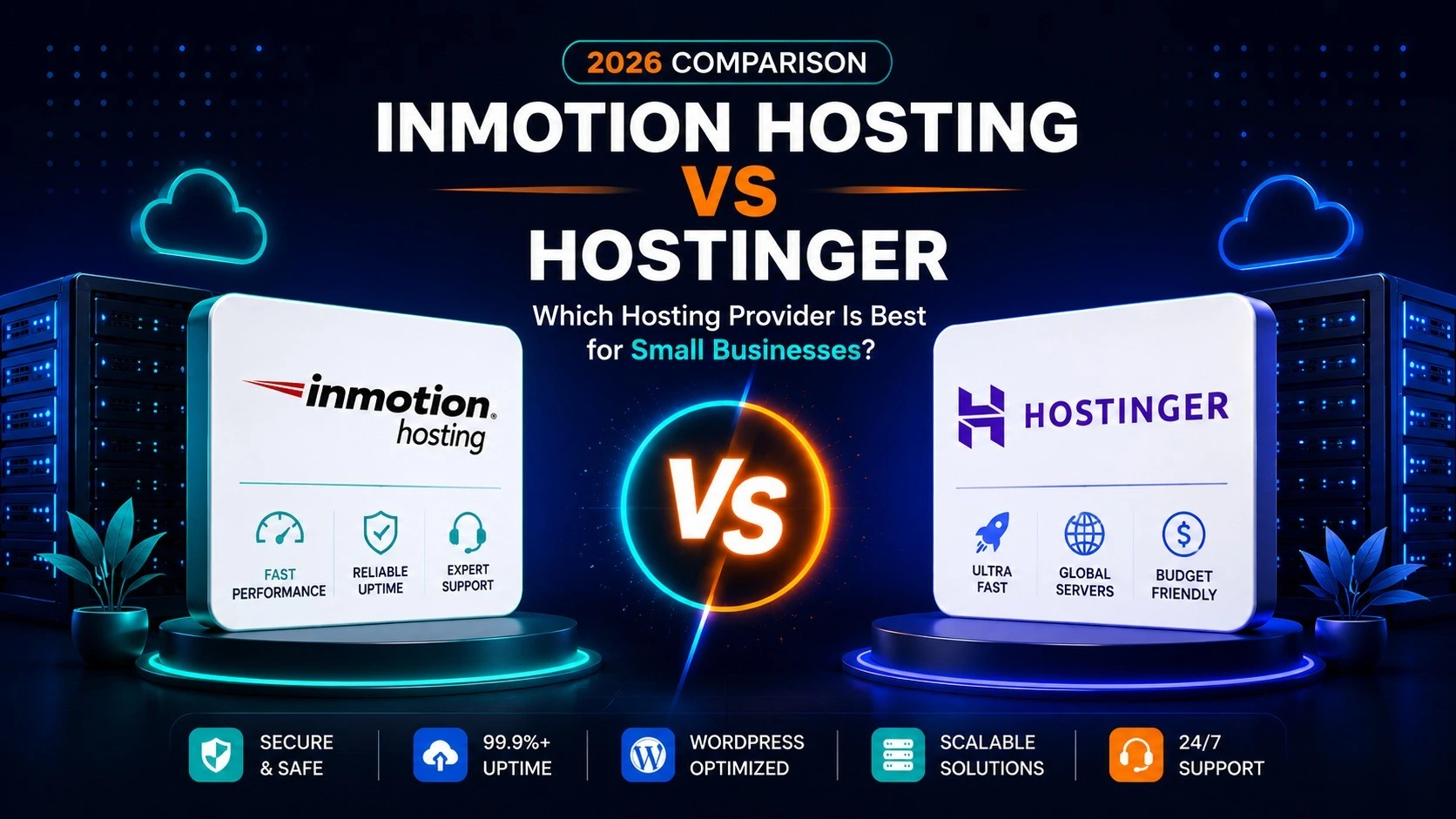
InMotion Hosting vs Hostinger is a practical comparison for small business owners, freelancers, and first-time website builders who want reliable web hosting without overspending. Both providers offer affordable shared hosting, WordPress support, free SSL, migration tools, and 24/7 help, but they take very different approaches to control panels, storage, support channels, and long-term pricing.
Hostinger focuses on low introductory pricing, a streamlined hPanel dashboard, LiteSpeed-powered hosting, AI tools, and a broad global footprint. InMotion Hosting takes a more traditional business-hosting approach with cPanel, generous NVMe storage, free migration help, and human support.
This 2026 comparison looks at the details that matter most: pricing, performance, ease of use, WordPress features, backups, customer support, and which platform is better suited to different types of small business websites.
InMotion Hosting vs Hostinger: Quick Comparison
Pricing checked in September 2026. Promotional rates and renewal prices can change, so always verify the provider’s checkout page before purchasing.
| Feature | InMotion Hosting | Hostinger |
|---|---|---|
| Starting shared-hosting price | From about $4.99/mo on the current Launch offer | From $2.99/mo on the current Premium offer |
| Renewal example | Launch renews from $13.99/mo depending on term | Premium renews at $10.99/mo |
| Websites | 2 on Launch | 3 on Premium |
| Storage | 100 GB NVMe on Launch | 20 GB SSD on Premium |
| Control panel | cPanel-based hosting management | Hostinger hPanel |
| Free domain | Included on current shared-hosting plans | Free for 1 year on eligible plans |
| Backups | Availability depends on plan and backup configuration | Weekly on Premium; daily on higher tiers |
| Support | 24/7 human support; phone availability varies by plan | 24/7 expert support, primarily online |
| Money-back period | Up to 90 days on eligible hosting | 30 days |
| Best suited for | Businesses that value cPanel, larger storage, and traditional support | Budget-conscious users who value simplicity and global reach |
Pricing: InMotion Hosting vs Hostinger
Price is one of the clearest differences in the InMotion Hosting vs Hostinger comparison. Hostinger currently has the lower advertised entry price in the US, while InMotion Hosting charges more at the beginning but includes substantially more storage on its entry shared-hosting plan.
Hostinger’s Premium plan is currently listed at $2.99 per month on a 48-month commitment and renews at $10.99 per month. It includes three websites, 20 GB of SSD storage, a free domain for one year, weekly backups, SSL, email allowances, and 24/7 support. The main trade-off is that the lowest monthly rate requires a long upfront commitment.
InMotion Hosting’s Launch plan is currently advertised from about $4.99 per month on selected terms and renews from $13.99 per month. It includes two websites, 100 GB of NVMe storage, unmetered bandwidth, a free domain, SSL, email, and migration assistance.
For a small business, the important number is not only the first-term price. Compare the total checkout cost, contract length, renewal rate, storage, email, backup options, domain renewal, and the number of websites you expect to host.
Performance and Speed
Both companies use modern performance technology, but their infrastructure is built around different priorities. InMotion Hosting promotes NVMe storage and its UltraStack platform on shared hosting. Hostinger uses LiteSpeed technology on managed web hosting and combines it with caching, CDN features, and a global data center network.
InMotion Hosting Performance
InMotion Hosting’s current shared plans use NVMe storage, and the company positions its platform for WordPress, WooCommerce, Laravel, Node.js, and other common web applications. The Launch plan includes 100 GB of NVMe storage, while higher plans increase storage, website limits, and available resources.
Hostinger Performance
Hostinger’s managed web hosting uses LiteSpeed servers and integrates caching and CDN tools. Its higher-tier plans add NVMe storage, daily backups, larger resource limits, and stronger options for sites that expect more traffic.
There is no responsible way to claim that one provider is always faster for every website. Real-world speed depends on theme quality, plugins, caching, image optimization, server location, traffic patterns, and how the site is configured. For most small business sites, either platform can perform well when properly optimized.
Ease of Use: cPanel vs hPanel
Ease of use is one of the biggest differences between InMotion vs Hostinger. Hostinger uses its proprietary hPanel dashboard, which is designed to simplify common tasks such as installing WordPress, managing domains, creating email accounts, restoring backups, and monitoring website settings.
InMotion Hosting uses a more traditional cPanel-oriented workflow. That can be a major advantage for users who already know cPanel, businesses migrating from another cPanel host, or agencies that prefer standard hosting administration tools.
A first-time site owner may find hPanel cleaner and easier to learn. An experienced website manager may prefer cPanel because it follows a familiar hosting standard and gives direct access to many conventional server-management tools.
If control panels are an important factor for you, see our separate cPanel vs hPanel comparison.
WordPress Hosting Features
WordPress users are well served by both companies. Hostinger combines WordPress installation, LiteSpeed technology, caching, security tools, AI-assisted site features, and managed hosting functions in its web-hosting platform. Hostinger is also currently listed on WordPress.org’s hosting recommendation page.
InMotion Hosting includes one-click WordPress installation on shared hosting and also offers dedicated WordPress hosting plans with staging, caching, security, and additional performance features.
For a standard business website, blog, portfolio, or small content site, either provider can be suitable. For a large WooCommerce store, membership site, or traffic-sensitive project, compare the higher-tier WordPress and cloud options instead of choosing only on the cheapest shared plan.
Security and Backups
Both hosts include SSL certificates and managed security features, but backup policies differ by plan. Hostinger’s Premium plan currently includes weekly backups, while higher tiers include daily backups and easier restore options. Hostinger also advertises malware scanning, domain privacy, IP and country blocking, and other managed security features.
InMotion Hosting includes free SSL and security protections across its shared-hosting range. Backup availability can depend on the exact plan and selected backup options, so businesses should check the restore policy before purchase.
For a revenue-generating website, do not rely only on the word “backup.” Verify how often backups run, how long they are retained, whether restores are self-service, and whether an independent off-site backup is appropriate.
Customer Support
Support is another important difference in the Hostinger vs InMotion Hosting decision. Hostinger provides 24/7 multilingual expert support and directs users primarily toward online assistance and live chat. This works well for customers who prefer digital support and do not need to speak with an agent by phone.
InMotion Hosting emphasizes 24/7 human support. Live chat is available across shared hosting, while phone support is included on selected plans and services. For a small business that values traditional support channels, that can be a meaningful advantage.
InMotion Hosting vs Hostinger for Small Businesses
The better fit depends on the type of website you are building. A local business, freelancer, ecommerce startup, and growing content site will not necessarily need the same hosting features.
For a Local Business Website
For a small service-business website with a handful of pages, contact forms, and local SEO content, either provider can work. Hostinger keeps the initial cost low and offers a simple dashboard. InMotion Hosting provides more storage on its entry shared plan and a more traditional business-hosting environment.
For Freelancers and Portfolios
Hostinger is attractive for freelancers and creators who want to launch quickly, minimize first-term costs, and manage domains, WordPress, email, and site tools from one streamlined dashboard.
For a Growing Business Website
A growing business with more content, multiple sites, larger storage requirements, or an existing cPanel setup may prefer InMotion Hosting. Its entry plan includes considerably more storage, and the upgrade path extends into WordPress, VPS, and dedicated hosting.
For a Small Online Store
For ecommerce, avoid choosing only by introductory price. Compare backup frequency, resource limits, support access, upgrade paths, security, and how the platform handles traffic spikes. Both providers offer WooCommerce-compatible hosting and stronger plans for stores that outgrow entry-level shared hosting.
InMotion Hosting Pros and Cons
| Pros | Cons |
|---|---|
| 100 GB NVMe storage on Launch | Higher entry price than Hostinger |
| cPanel-based workflow | Renewal pricing increases after the promotional term |
| Free website migration | Phone support depends on the plan |
| Free domain, SSL, and email on current shared plans | Backup configuration should be checked plan by plan |
| Up to 90-day money-back guarantee on eligible hosting | Traditional dashboard may feel less streamlined to new users |
Hostinger Pros and Cons
| Pros | Cons |
|---|---|
| Very low introductory pricing | Lowest price requires a long commitment |
| Clean hPanel dashboard | Renewal rate is higher than the promotional rate |
| LiteSpeed and integrated CDN tools | Premium storage is lower than InMotion Launch |
| WordPress, AI, and website-building tools in one ecosystem | Support is primarily online |
| 30-day money-back guarantee | Some advanced features require higher-tier plans |
InMotion Hosting vs Hostinger: Key Differences
Price: Hostinger currently offers the lower introductory rate in the US.
Storage: InMotion Hosting’s Launch plan currently includes much more storage than Hostinger Premium.
Dashboard: InMotion uses a cPanel-oriented workflow, while Hostinger uses its proprietary hPanel interface.
Support style: InMotion emphasizes human support and offers phone support on selected plans. Hostinger centers support around 24/7 online assistance.
Commitment: Hostinger’s headline $2.99 price is tied to a 48-month term. InMotion pricing also varies by contract length.
Best fit: Hostinger is attractive for budget-conscious beginners and small brands, while InMotion Hosting may appeal more to businesses that want cPanel, larger storage, and a more traditional hosting environment.
Related HostHuby Comparisons
If you are still comparing options, read our Hostinger Review 2026, InMotion Hosting Review 2026, and Bluehost vs Hostinger 2026. You can also compare a wider range of providers in our Best Web Hosting Services in 2026 guide.
Frequently Asked Questions
Is Hostinger cheaper than InMotion Hosting?
Yes, based on the current September 2026 US pricing, Hostinger advertises a lower introductory web-hosting rate than InMotion Hosting’s Launch shared plan. However, compare the full upfront payment and renewal rate before choosing.
Is InMotion Hosting good for small businesses?
InMotion Hosting can be a strong fit for small businesses that value cPanel, larger entry-level storage, migration help, and traditional support options. It is especially relevant for businesses moving from another cPanel host.
Which is easier for beginners, Hostinger or InMotion Hosting?
Many first-time users may find Hostinger’s hPanel easier to navigate because it is designed around simplified workflows. Users already familiar with cPanel may prefer InMotion Hosting.
Which is better for WordPress?
Both support WordPress well. Hostinger combines managed hosting, LiteSpeed, caching, security, and AI tools in a streamlined platform. InMotion Hosting offers shared hosting plus dedicated WordPress plans with additional WordPress-focused features. The better fit depends on the size and complexity of your site.
Does InMotion Hosting offer phone support?
Phone support is available on selected InMotion Hosting plans and services, while live chat support is more broadly available. Always confirm the support channels included with the exact plan you are considering.
Final Comparison
InMotion Hosting vs Hostinger is not simply a question of which company has the lowest price. The two providers overlap in the small-business market but emphasize different strengths.
Hostinger is built around affordability, hPanel simplicity, LiteSpeed hosting, global infrastructure, and an integrated set of WordPress, AI, ecommerce, and website-building tools. It is especially relevant for new websites and cost-conscious businesses that are comfortable with online support.
InMotion Hosting offers a more traditional business-hosting experience with cPanel, larger NVMe storage allocations on shared hosting, migration assistance, and a longer money-back period on eligible plans. It can be a better fit for businesses that want familiar hosting administration or expect to need more storage from the start.
Before purchasing either service, verify the current plan page and renewal price. Hosting promotions change frequently, and the most suitable option is the plan that matches your actual website, support, storage, and growth requirements.