WP Engine vs Kinsta 2026: Premium Managed WordPress Hosting Compared
WP Engine vs Kinsta is one of the most relevant comparisons in premium managed WordPress hosting. Both platforms are designed for WordPress users who want stronger performance, automated backups, staging environments, security tooling, and expert support than typical shared hosting can provide.
The two companies target similar customers, but their pricing models and platform philosophies differ. WP Engine uses capacity-based managed hosting plans with visit, storage, and bandwidth allowances. Kinsta now offers more flexible pricing that can be based on either bandwidth or estimated visits, which makes the 2026 comparison more nuanced than older reviews suggest.
This WP Engine vs Kinsta comparison focuses on the areas that matter most: current pricing, traffic limits, storage, staging, backups, migrations, performance architecture, support, security, and which platform better fits different types of WordPress projects.
WP Engine vs Kinsta: Quick Comparison
Pricing checked in September 2026. Managed WordPress plans and promotional offers can change, so verify each provider’s official pricing page before purchase.
| Feature | WP Engine | Kinsta |
|---|---|---|
| Entry pricing | Essential configuration starts around the mid-$20s depending on billing and current offers | Business single-site plans from $35/mo or $30/mo billed annually; first month free on selected plans |
| Entry site count | 1 site | 1 WordPress install |
| Traffic model | Capacity tiers with visit and bandwidth allowances | Choice of bandwidth-based or visit-based pricing on current Business plans |
| Entry visit allowance | 25,000 visits/mo on the lowest Essential capacity | 35,000 visits/mo on a visit-based single-site plan, or higher estimated visit capacity on Launch |
| Storage | 10 GB on the lowest Essential capacity | 10 GB on Single 20GB / Single 35k; 15 GB on Launch |
| Backups | Automatic backups with staging and restore tools | Daily backups; 14-day retention on many Business plans |
| Staging | 1-click staging and development environments | Free one-click staging environments |
| Migrations | Migration tools and managed migration options | Unlimited free migrations handled by Kinsta’s team |
| CDN / edge | Managed CDN and EverCache technology | Cloudflare-based CDN and edge caching with 260+ points of presence |
| Support | 24/7 WordPress support; phone access depends on plan | 24/7 human support in multiple languages via chat |
| Best fit | Agencies, teams, and businesses that want WP Engine workflows and scaling options | Developers and businesses that value flexible pricing, migrations, and a strong managed WordPress platform |
Pricing: WP Engine vs Kinsta
Pricing used to be one of the easiest ways to compare these two hosts, but Kinsta changed its model. In 2026, Kinsta lets customers choose between bandwidth-based and visit-based Business plans. That means the better value depends on how your site consumes bandwidth and how predictable your traffic is.
Kinsta’s current single-site Business plans start at $35 per month or $30 per month when billed annually. The Single 20GB configuration includes one WordPress install, 20 GB of server bandwidth, 10 GB of storage, 125 GB of CDN bandwidth, 14 days of backup retention, unlimited migrations, and 24/7 expert support. A visit-based single-site option is also available at the same entry price.
WP Engine’s Essential plans are configured by capacity. The lowest published capacity includes one site, 25,000 visits per month, 10 GB of storage, and managed platform features such as staging, security tools, SSL, SSH access, and caching.
The practical lesson is simple: compare total capacity, not only monthly price. A site with heavy media traffic may care more about bandwidth. A content site may care more about visits. An agency may care more about site count. Kinsta’s newer pricing structure gives customers more flexibility, while WP Engine remains straightforward for teams that prefer a more traditional capacity model.
Performance and Hosting Architecture
Both platforms are designed for high-performance WordPress hosting and include server-level caching, CDN integration, managed infrastructure, automated backups, and developer tools.
WP Engine Performance
WP Engine combines its managed hosting platform with EverCache, CDN delivery, WordPress-specific security, staging, and infrastructure designed to scale from single-site projects to large agency and enterprise workloads.
The platform publishes visit and storage allowances clearly, which helps users understand where their site sits within the plan structure. Higher Essential capacities support more sites, more visits, and more storage.
Kinsta Performance
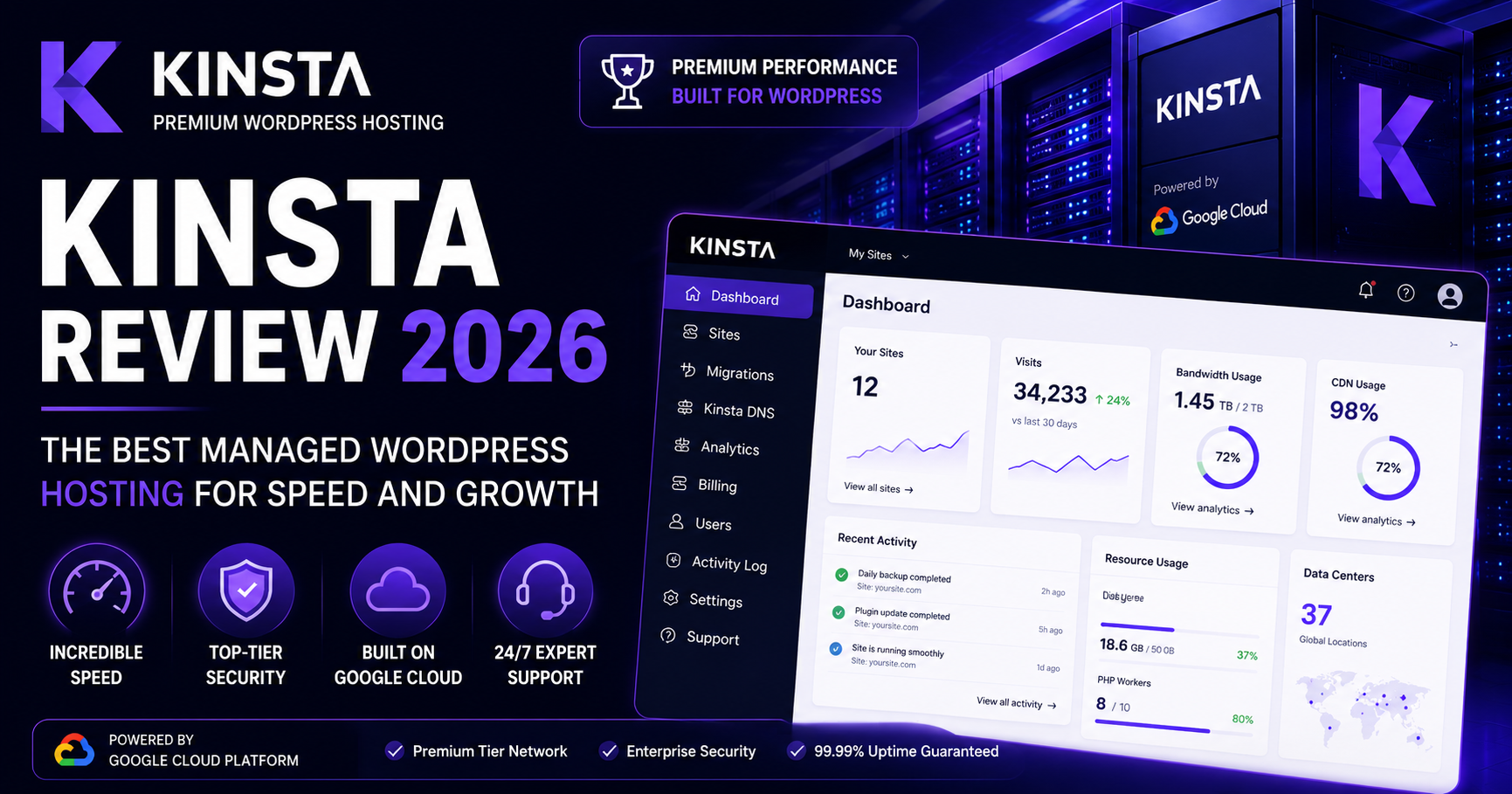
Kinsta uses a managed WordPress platform with Cloudflare-based edge caching and CDN delivery. Current plans include a managed firewall with DDoS protection, continuous database optimization, an application performance monitoring tool, and isolated WordPress environments.
Kinsta’s newer bandwidth and visit-based options make performance planning easier for different traffic patterns. A media-heavy site and a high-visit publishing site no longer need to fit into the same pricing model.
It is best to avoid universal claims that one host is always faster. Real-world speed depends on the theme, plugin stack, caching configuration, database load, geography, traffic patterns, and testing methodology. Both platforms are built for managed WordPress performance and can deliver excellent results when configured properly.
Backups, Staging, and Developer Tools
WP Engine and Kinsta both provide staging environments, automated backups, SSL, SSH access, and managed WordPress workflows. These are standard expectations at this price level.
WP Engine emphasizes development, staging, and production workflows within its platform. This is particularly useful for agencies and development teams that regularly test updates before deploying them to live websites.
Kinsta includes free one-click staging environments, unlimited migrations, API access, multisite support, and site cloning on eligible plans. Premium staging environments are also available as a paid add-on for resource-intensive development and testing.
Security
Both companies treat security as part of the managed hosting service rather than an optional extra. WP Engine includes managed security controls, SSL, DDoS protection, security patching, and plugin risk scanning across its managed platform.
Kinsta includes a managed web application firewall, DDoS protection, free SSL certificates, malware removal, bot protection, and Cloudflare-based security features. Its higher-tier offerings also add stronger compliance and enterprise controls.
Support: WP Engine vs Kinsta
Both providers offer 24/7 support, but the support experience differs. WP Engine provides WordPress-focused technical help and offers phone support on eligible higher-tier plans.
Kinsta provides 24/7 human support in multiple languages through chat. The company does not position phone support as the primary support channel, which may matter to businesses that prefer to call during urgent incidents.
For most managed WordPress users, support quality matters more than the channel itself. Agencies and developers often value access to technically capable WordPress specialists over general hosting support.
WP Engine vs Kinsta for Different Users
For a Single Business Website
Kinsta’s single-site plans are attractive for businesses that want a premium managed environment, strong security, staging, CDN, migrations, and flexible traffic-based pricing without managing server infrastructure themselves.
For Agencies
WP Engine and Kinsta both serve agencies well. WP Engine has a long-established agency workflow and scales from Essential into Core and Enterprise tiers. Kinsta offers dedicated Agency plans with higher site counts, account management, and agency-specific benefits.
For High-Traffic Sites
Kinsta’s flexible bandwidth and visit-based plans are useful for sites with unusual traffic patterns. WP Engine’s capacity tiers are easier to understand for teams that already think in terms of monthly visits, storage, and site count.
For Developers
Both platforms provide staging, SSH access, managed deployments, backups, and developer-friendly tools. Kinsta adds an API, DevKinsta, APM, site cloning, and premium staging options. WP Engine offers its own developer platform, APIs, staging environments, and a mature managed WordPress ecosystem.
WP Engine Pros and Cons
| Pros | Cons |
|---|---|
| Mature managed WordPress platform | Entry pricing is premium |
| Clear capacity tiers for visits, storage, and site count | Visit and bandwidth limits require monitoring |
| Strong development and staging workflow | Phone support depends on the plan |
| Scales into agency and enterprise use | Email hosting is not included as a core service |
| WordPress-specific support and security | Add-ons can increase total cost |
Kinsta Pros and Cons
| Pros | Cons |
|---|---|
| Flexible bandwidth-based or visit-based pricing | Premium pricing compared with shared hosting |
| Unlimited free migrations | No traditional phone-first support model |
| Cloudflare-based CDN, WAF, and DDoS protection | Entry backup retention is 14 days on many Business plans |
| APM, API, staging, and developer tools included | Additional sites and storage can increase cost quickly |
| Strong multilingual 24/7 support | Users must choose the right traffic model to avoid overpaying |
WP Engine vs Kinsta: Key Differences
Pricing model: WP Engine uses capacity-based managed hosting tiers. Kinsta now lets customers choose between bandwidth-based and visit-based plans.
Migrations: Kinsta includes unlimited free migrations on current Business plans. WP Engine offers migration tools and managed migration options depending on plan and service level.
Backup retention: Kinsta commonly includes 14 days of retention on Business plans, while WP Engine’s backup policy differs by plan and platform configuration.
Support: WP Engine offers phone support on eligible plans. Kinsta focuses on 24/7 expert chat support in multiple languages.
Traffic flexibility: Kinsta’s dual pricing model gives users more control over whether bandwidth or visits should determine plan size.
Related HostHuby Comparisons
For more premium WordPress comparisons, see our WP Engine vs SiteGround 2026 guide and our Kinsta Review 2026. You can also compare a wider range of providers in our Best Web Hosting Comparisons guide.
Frequently Asked Questions
Is WP Engine or Kinsta cheaper in 2026?
WP Engine can have a lower entry price depending on the current Essential configuration and promotion. Kinsta’s Business single-site plans start at $35 per month or $30 per month billed annually. The better value depends on traffic, bandwidth, storage, and site count rather than monthly price alone.
Does Kinsta still price plans only by visits?
No. Kinsta now offers both bandwidth-based and visit-based pricing on current Business plans, giving customers more flexibility to choose the billing model that fits their traffic profile.
Which host includes free migrations?
Kinsta includes unlimited free migrations on current Business plans. WP Engine also provides migration tools and managed migration support, but the exact service level depends on the plan and migration type.
Which is better for agencies?
Both are strong agency platforms. WP Engine offers a mature agency ecosystem and multi-site scaling. Kinsta offers dedicated Agency plans with large site allowances, account management, and agency-specific benefits.
Does Kinsta offer phone support?
Kinsta focuses on 24/7 human chat support rather than a traditional phone-support model. WP Engine provides phone support on eligible higher-tier plans.
Final Comparison
The WP Engine vs Kinsta decision is no longer a simple comparison of two fixed visit-based plans. Kinsta’s newer pricing structure gives customers more flexibility, while WP Engine continues to offer a familiar capacity model built around managed WordPress workflows.
WP Engine is a strong fit for agencies, teams, and businesses that already value its managed WordPress ecosystem, development workflow, and structured scaling tiers.
Kinsta is particularly attractive for users who want flexible traffic-based pricing, unlimited migrations, Cloudflare-based security and edge caching, developer tools, and a premium managed WordPress experience.
Before purchasing either service, compare the current plan configuration for your real traffic pattern. The most important question is not which host has the lower headline price, but which plan gives your website enough visits, bandwidth, storage, support, and room to grow without paying for capacity you do not need.